
T-Twice Campus

Spot class-wide blockers and adapt your next lessons.

Assign your materials, track class progress and approve the tutor’s feedback to students.

For whomTeachers, academic leads, institutions.

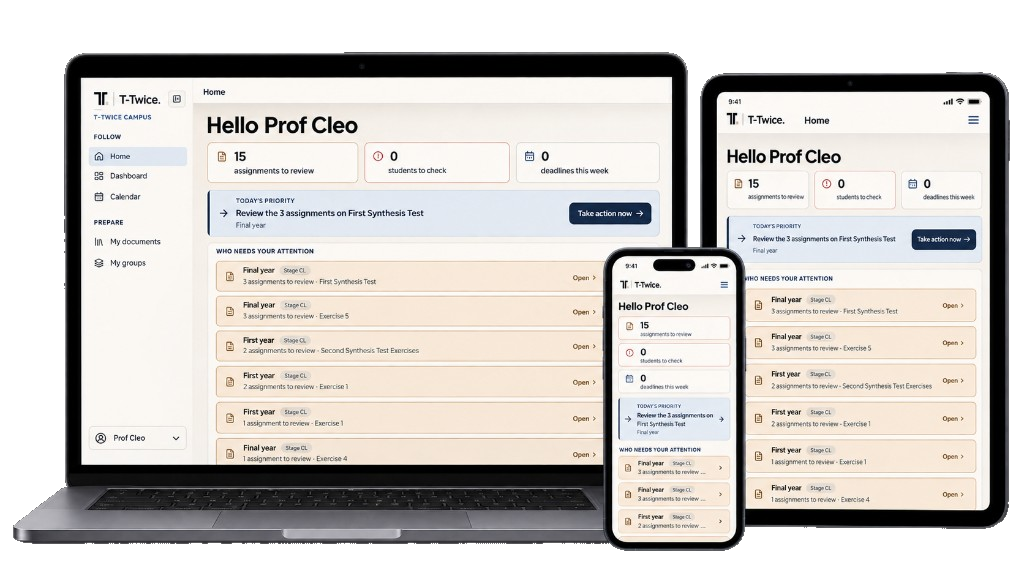
T-Twice Campus on laptop, tablet and phone.

The challenge

Spot difficulties while students practise.

Between assessments, students’ work already shows which steps need more practice in class.

What you do in Campus

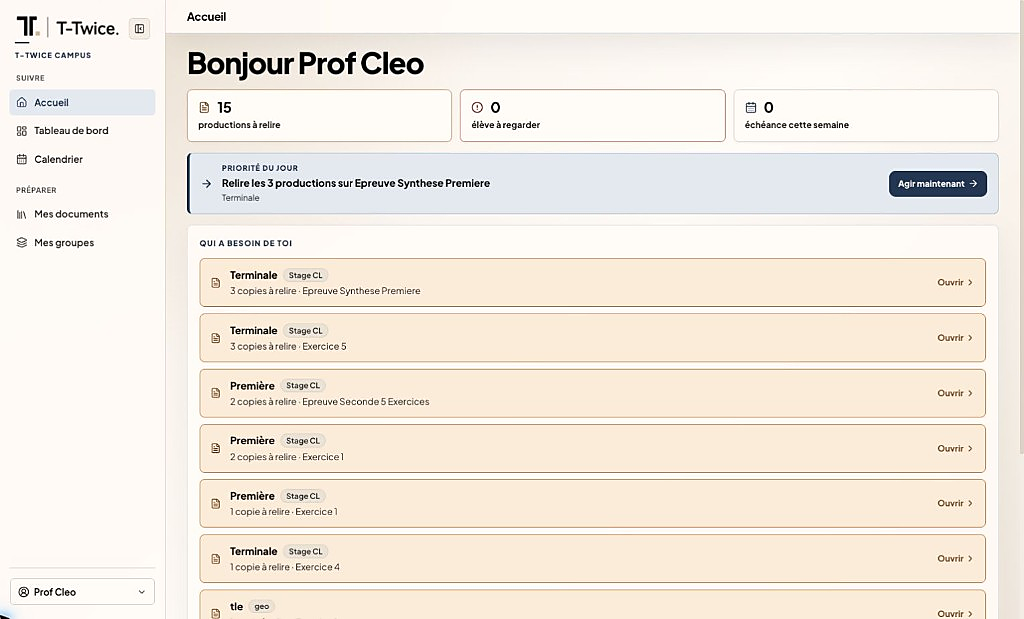
  1. See today’s priority

    Find work to review, students to follow up with and priority actions.

    Campus: Teacher home, daily priorities and papers to review.
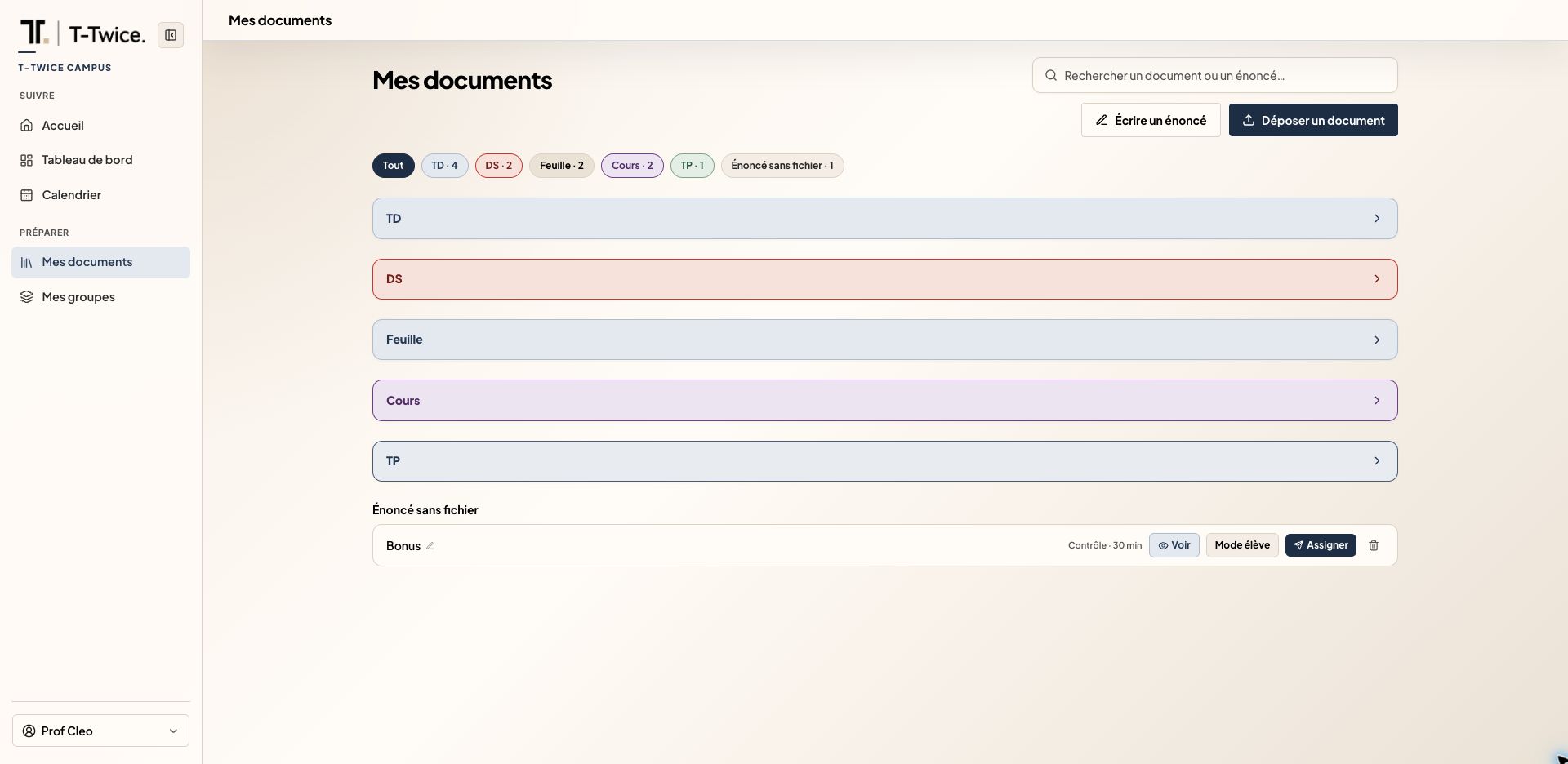
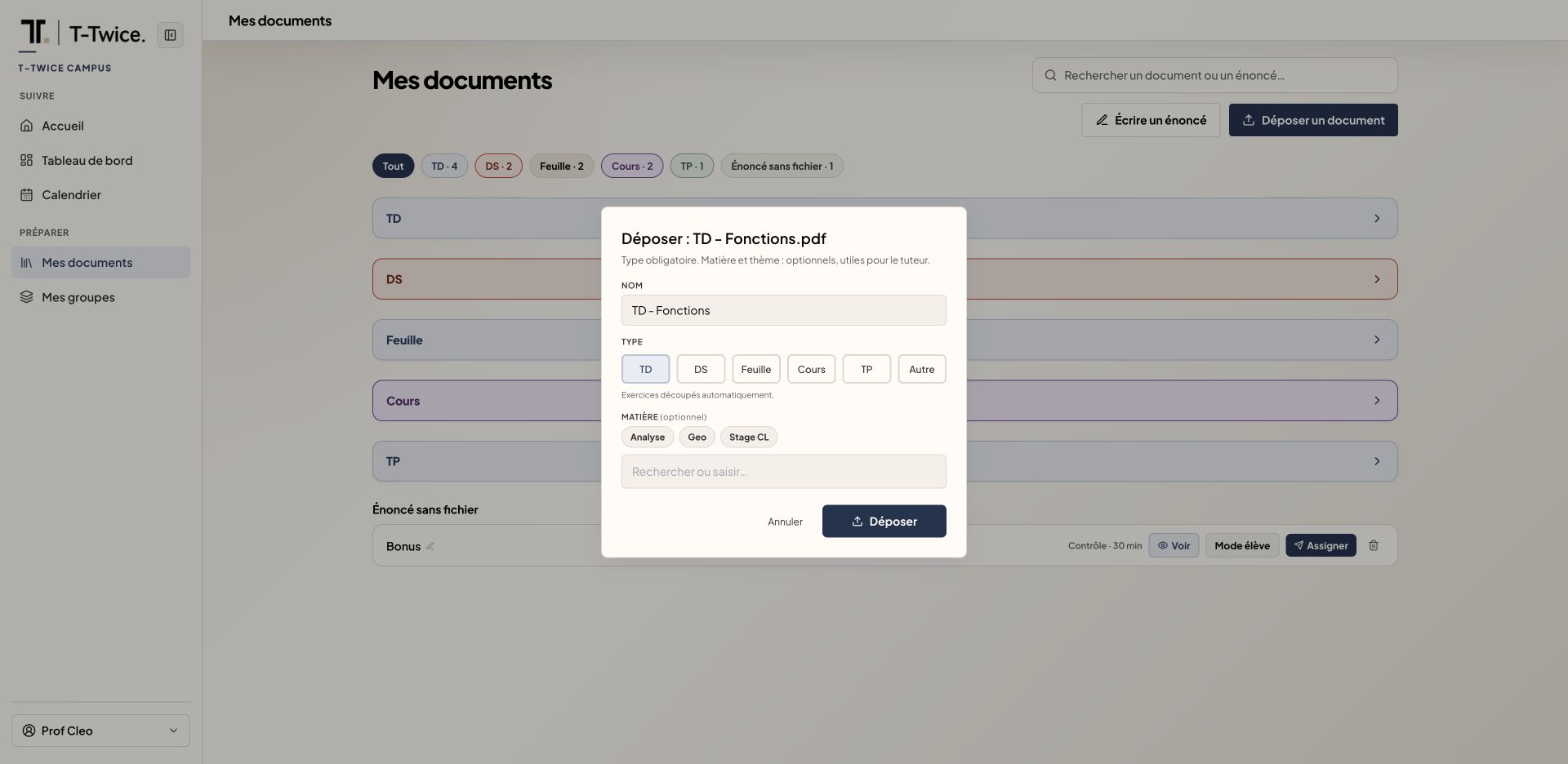
  2. Upload and assign your papers

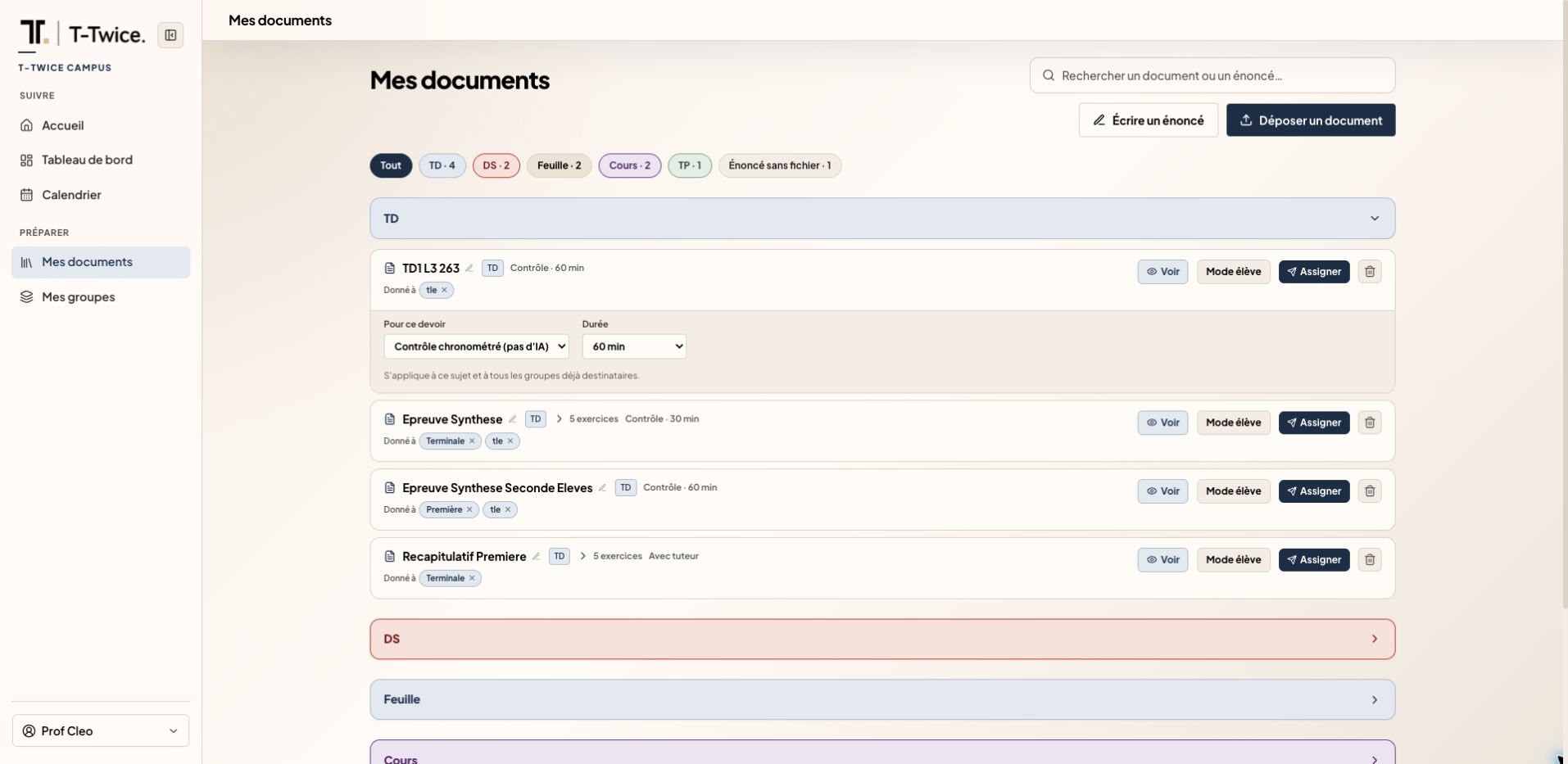
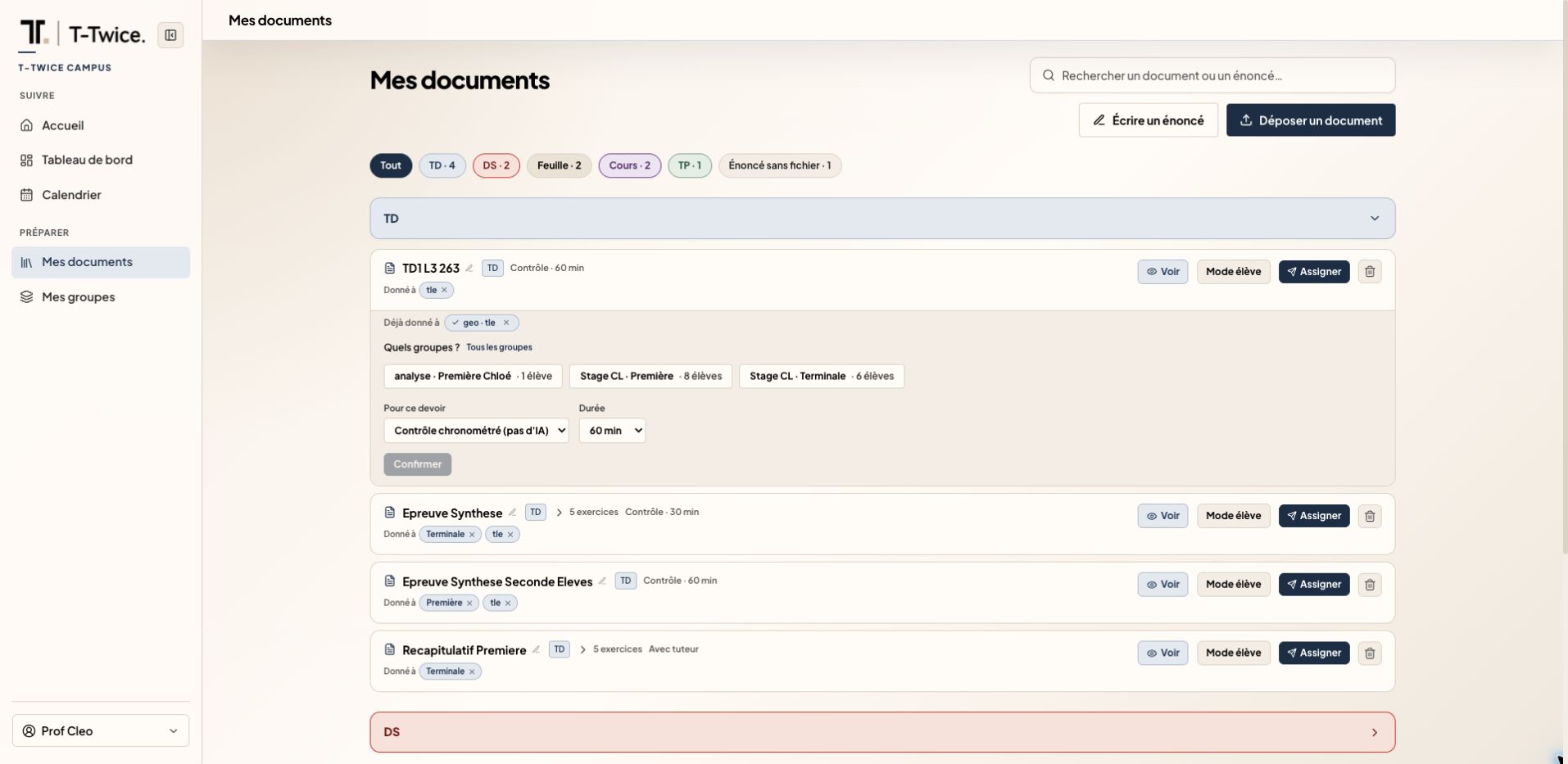
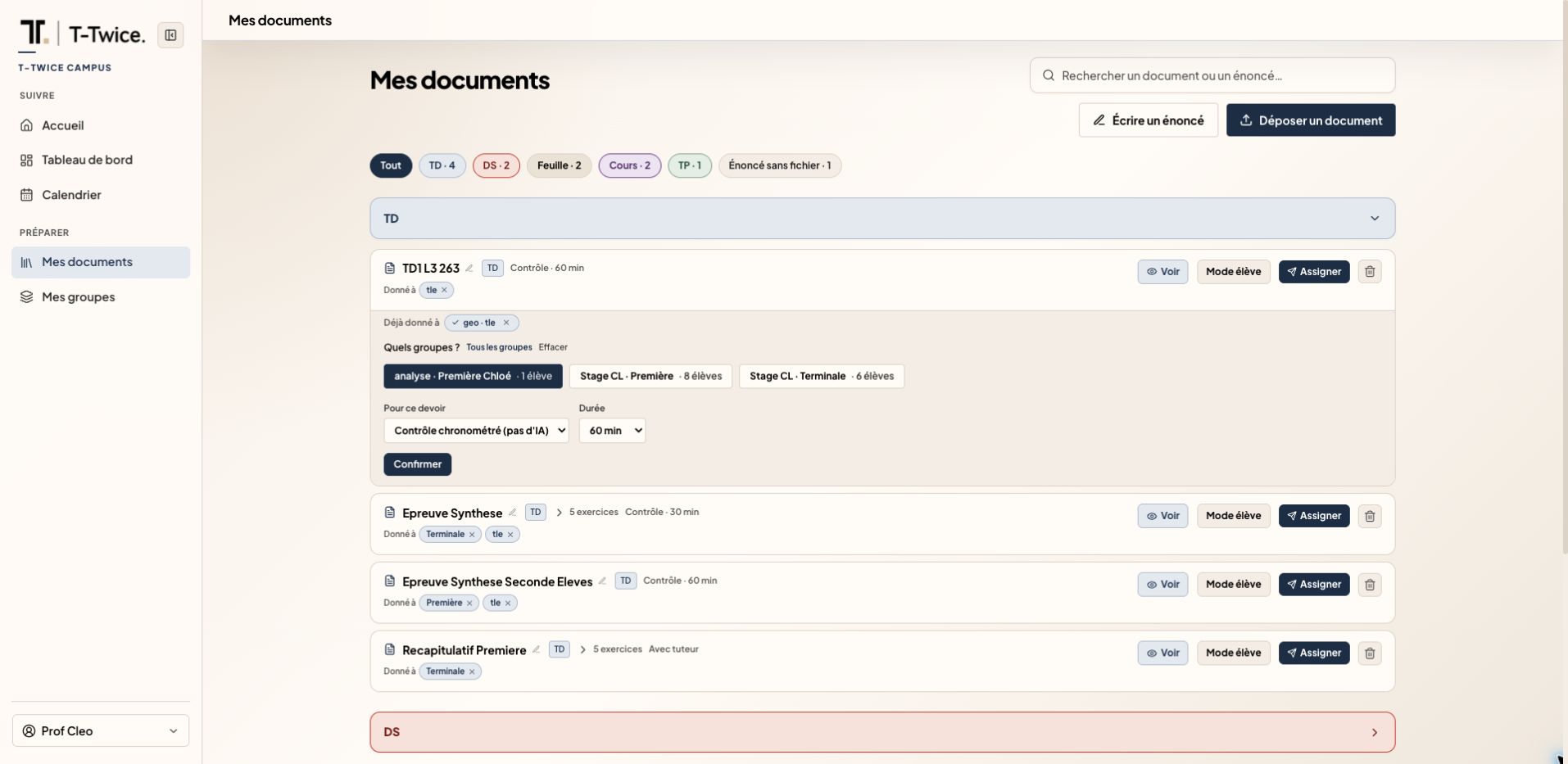
    Upload an assignment, choose your class and set the support mode before assigning it.

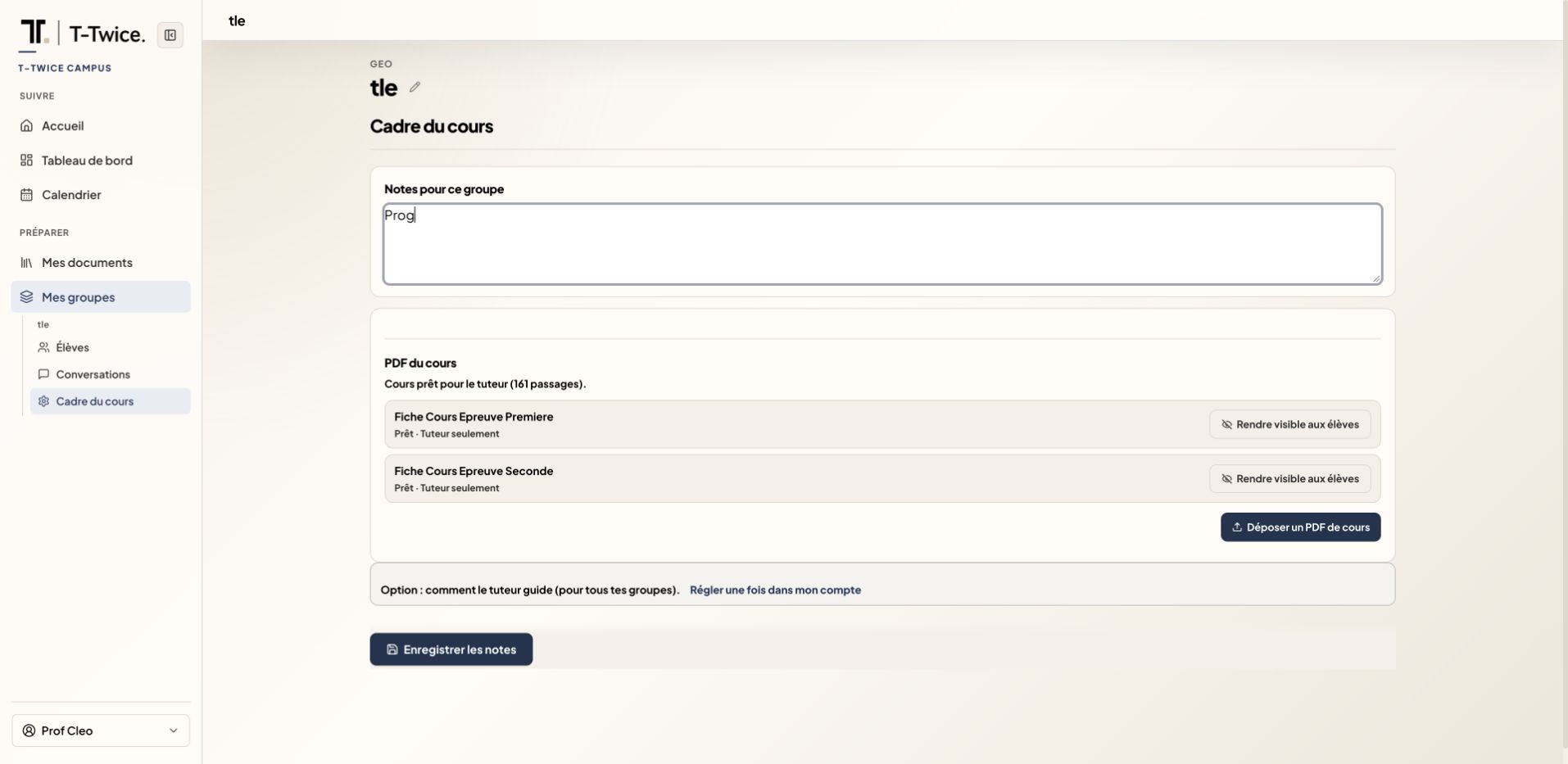
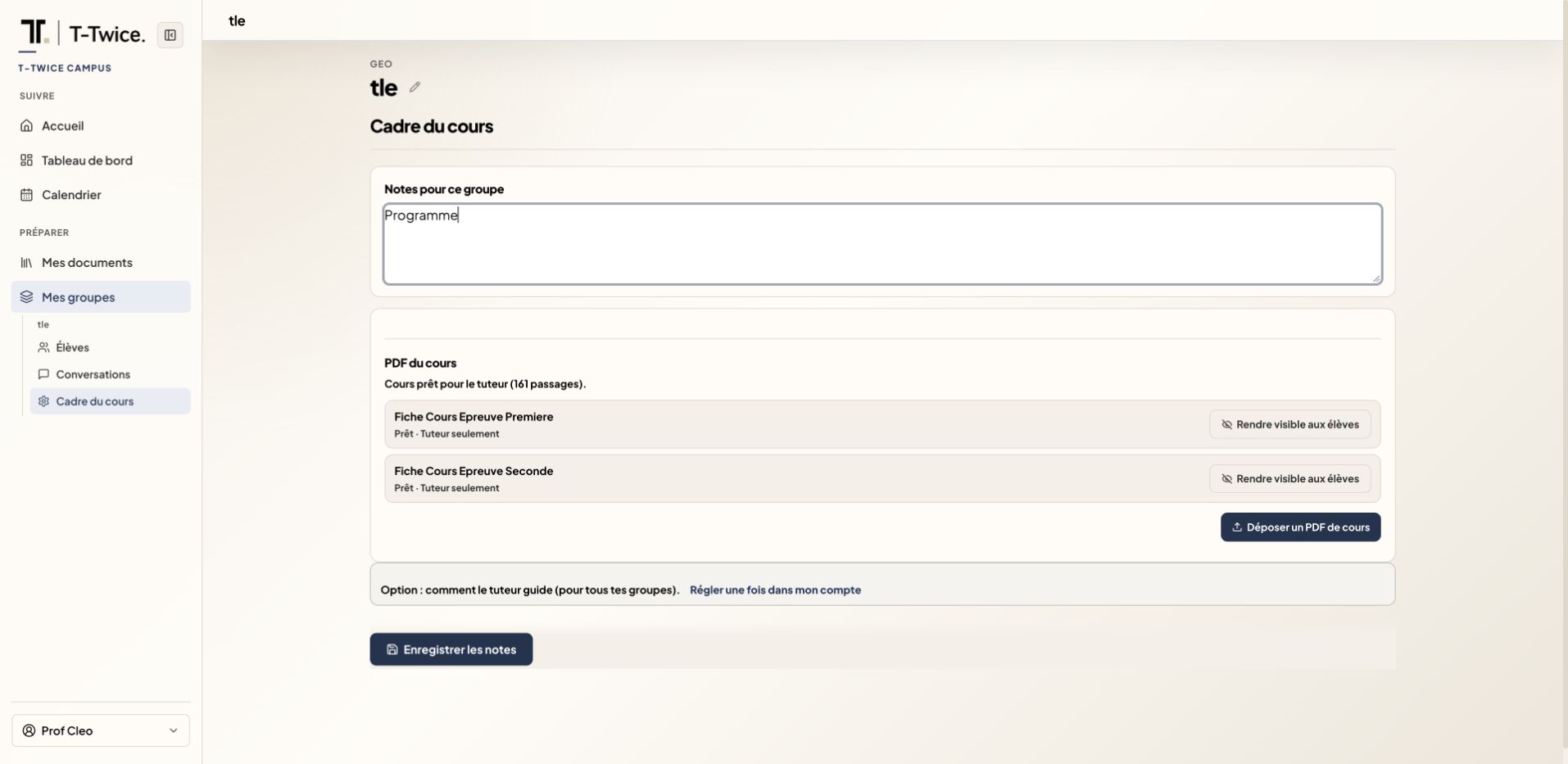
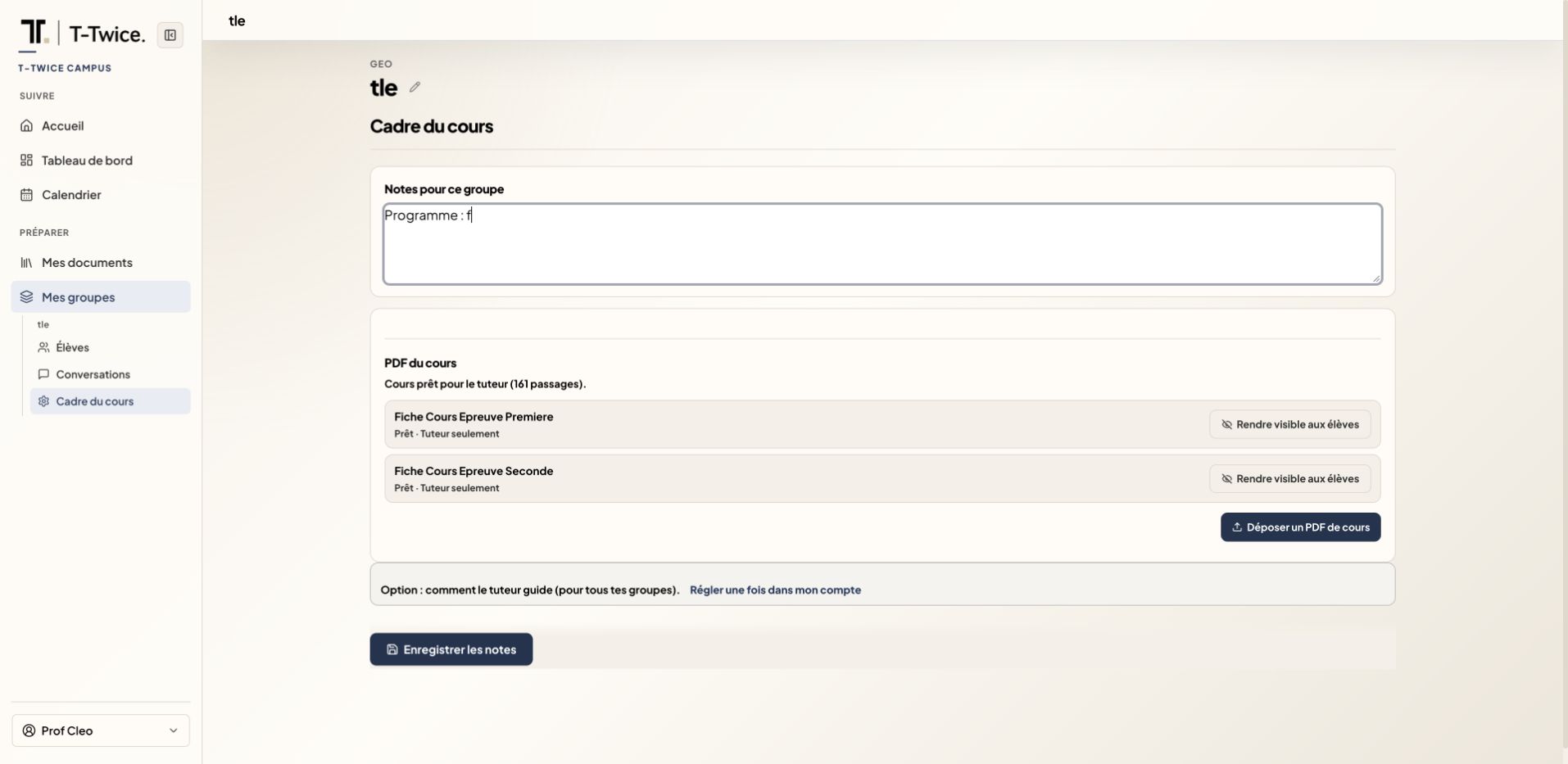
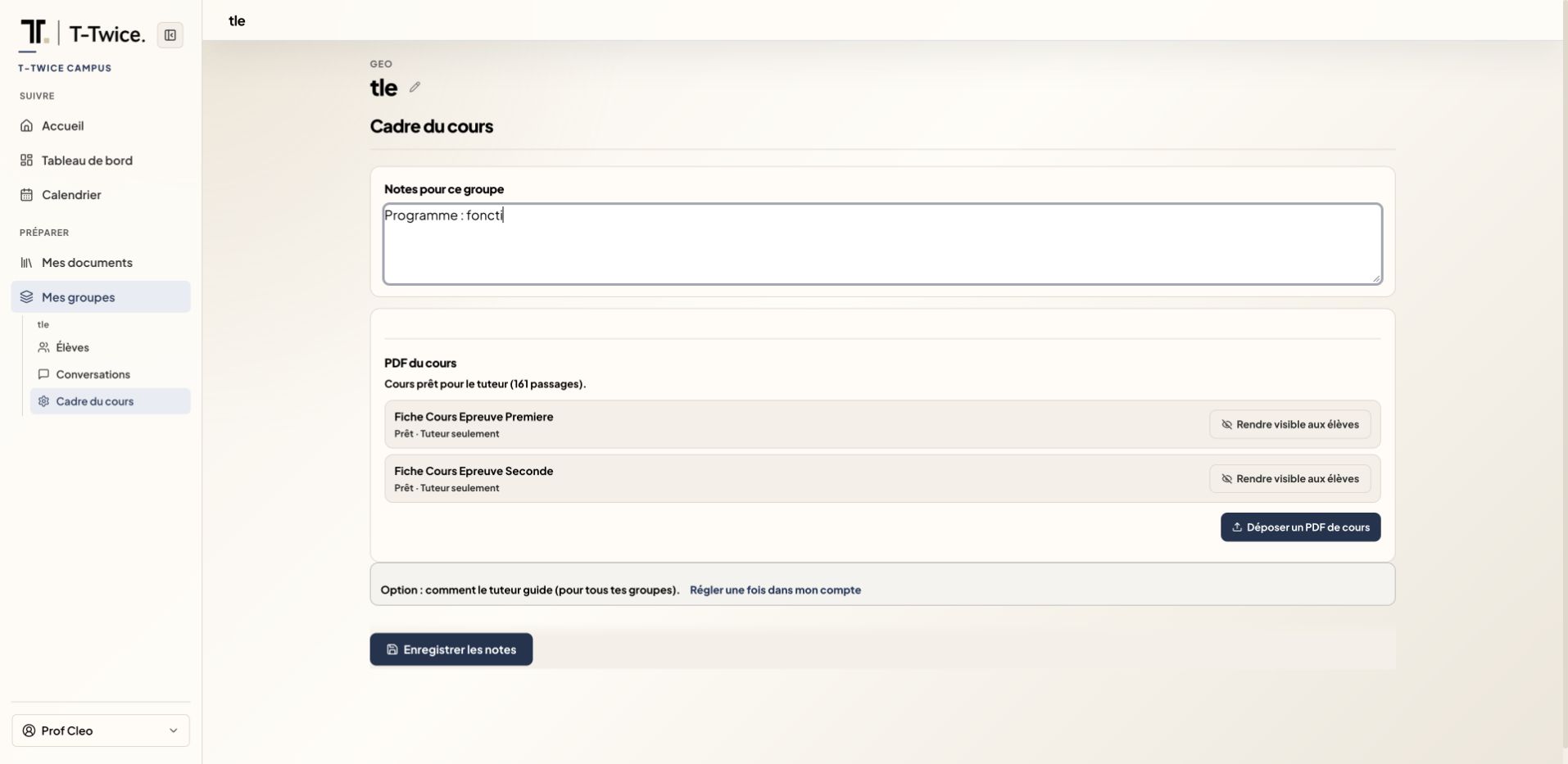
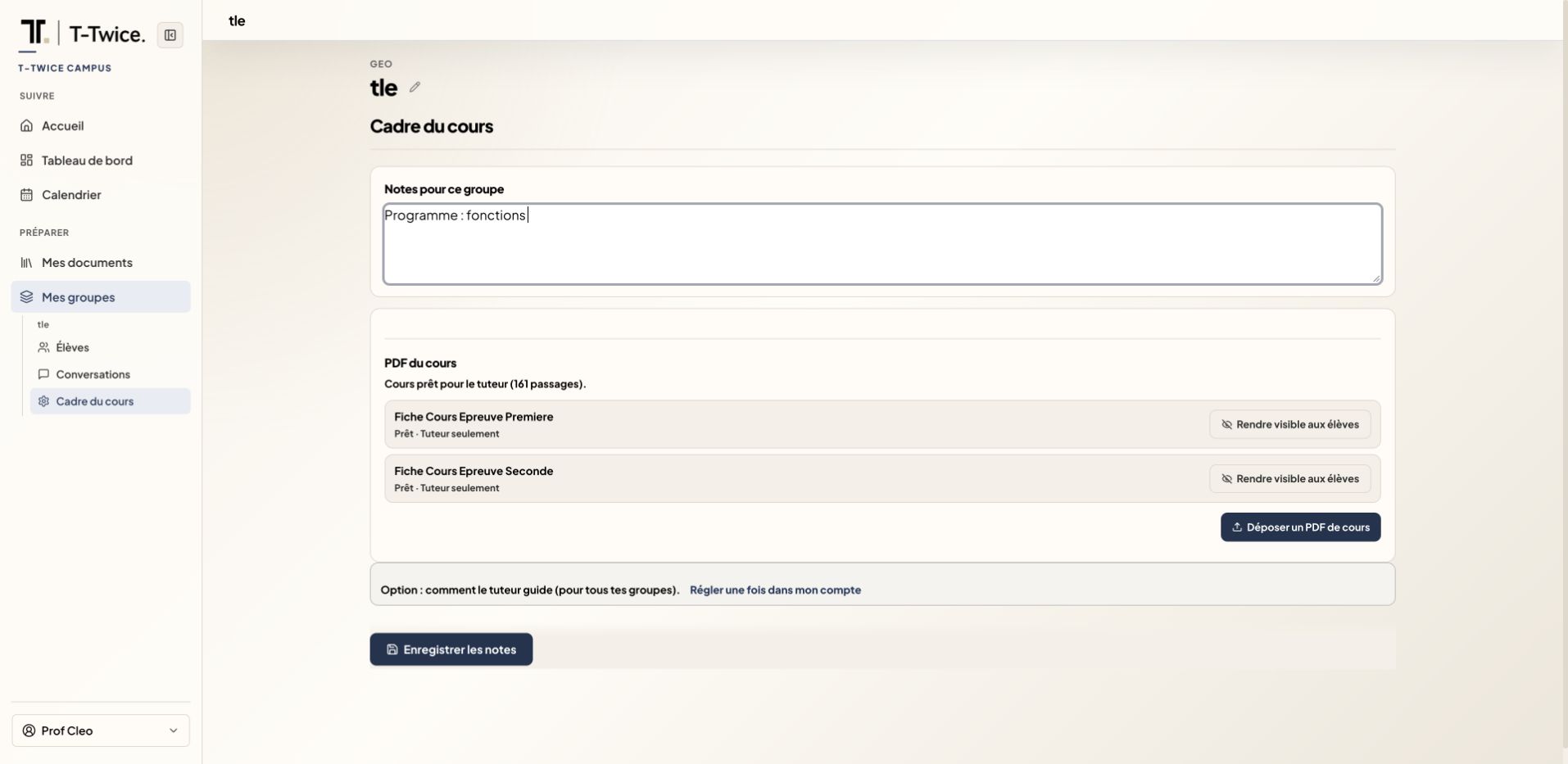
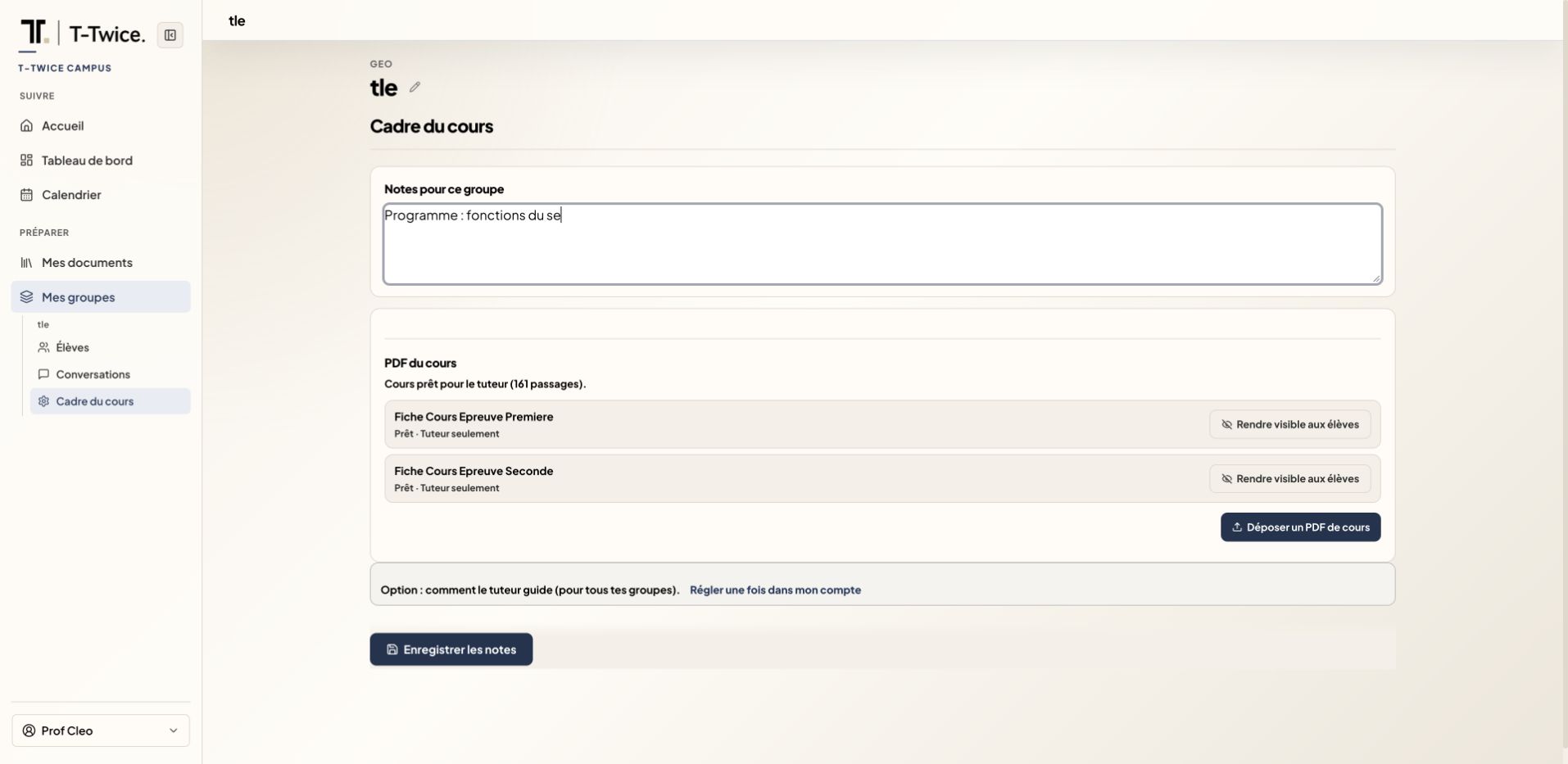
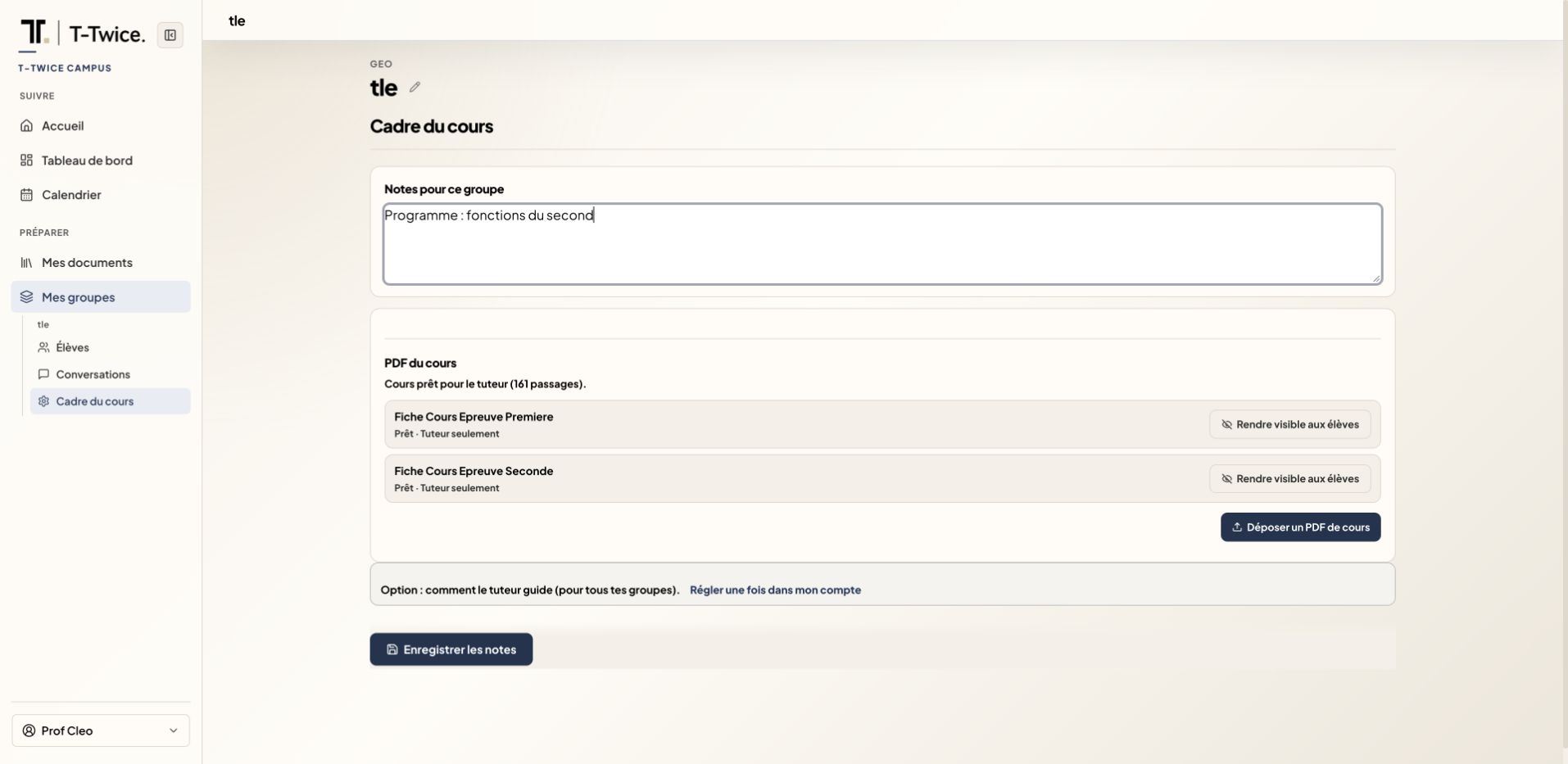
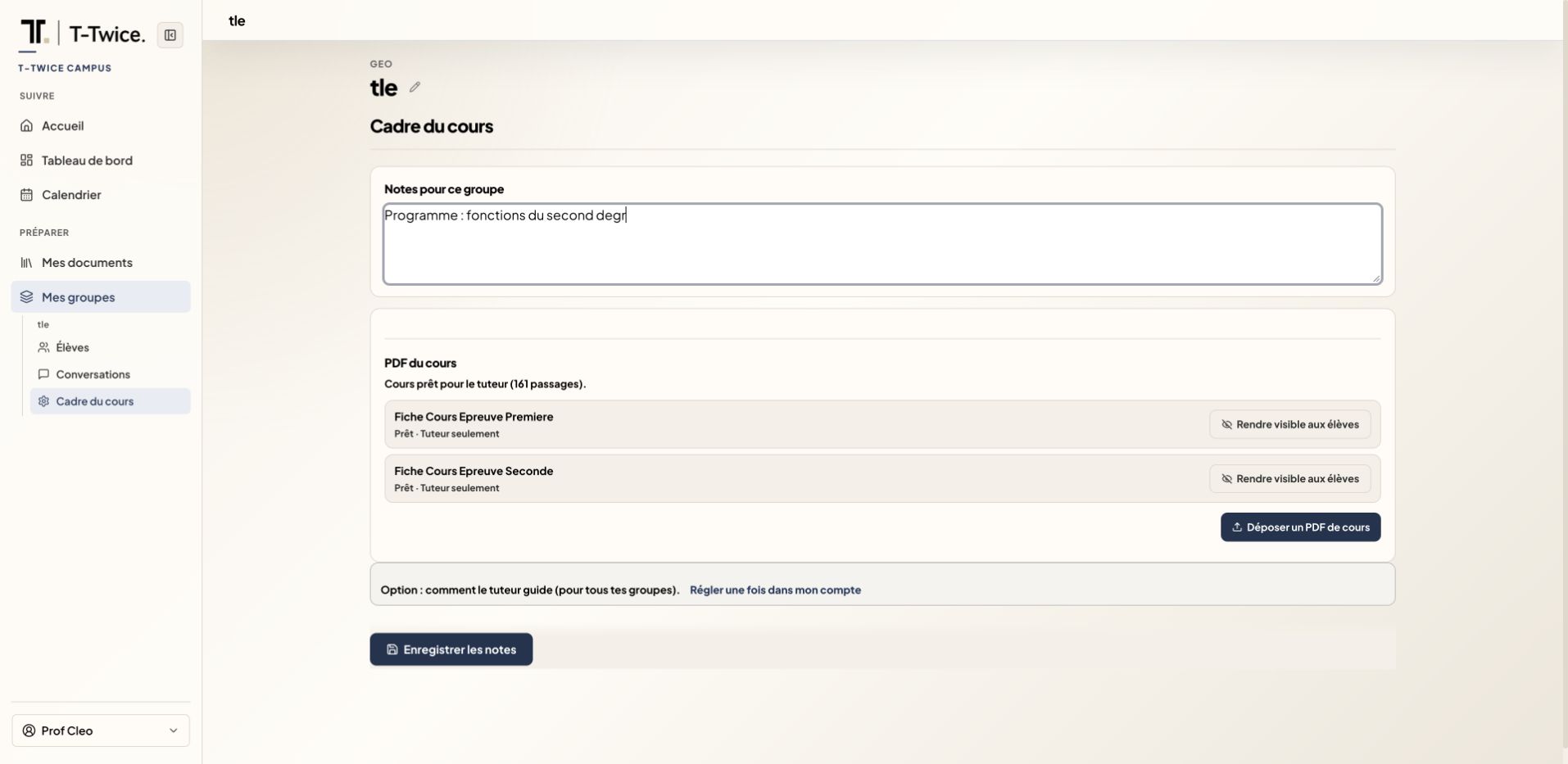
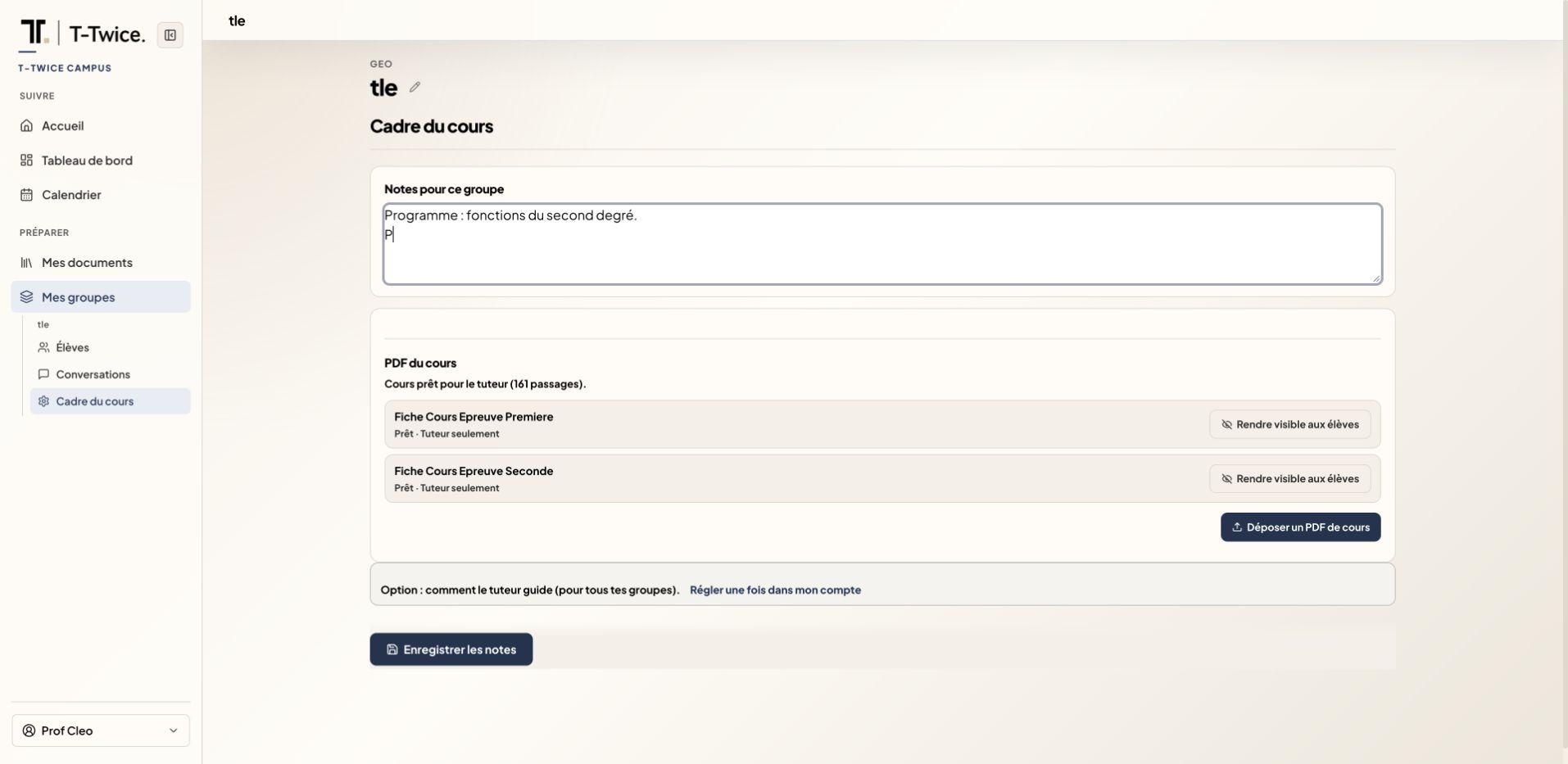
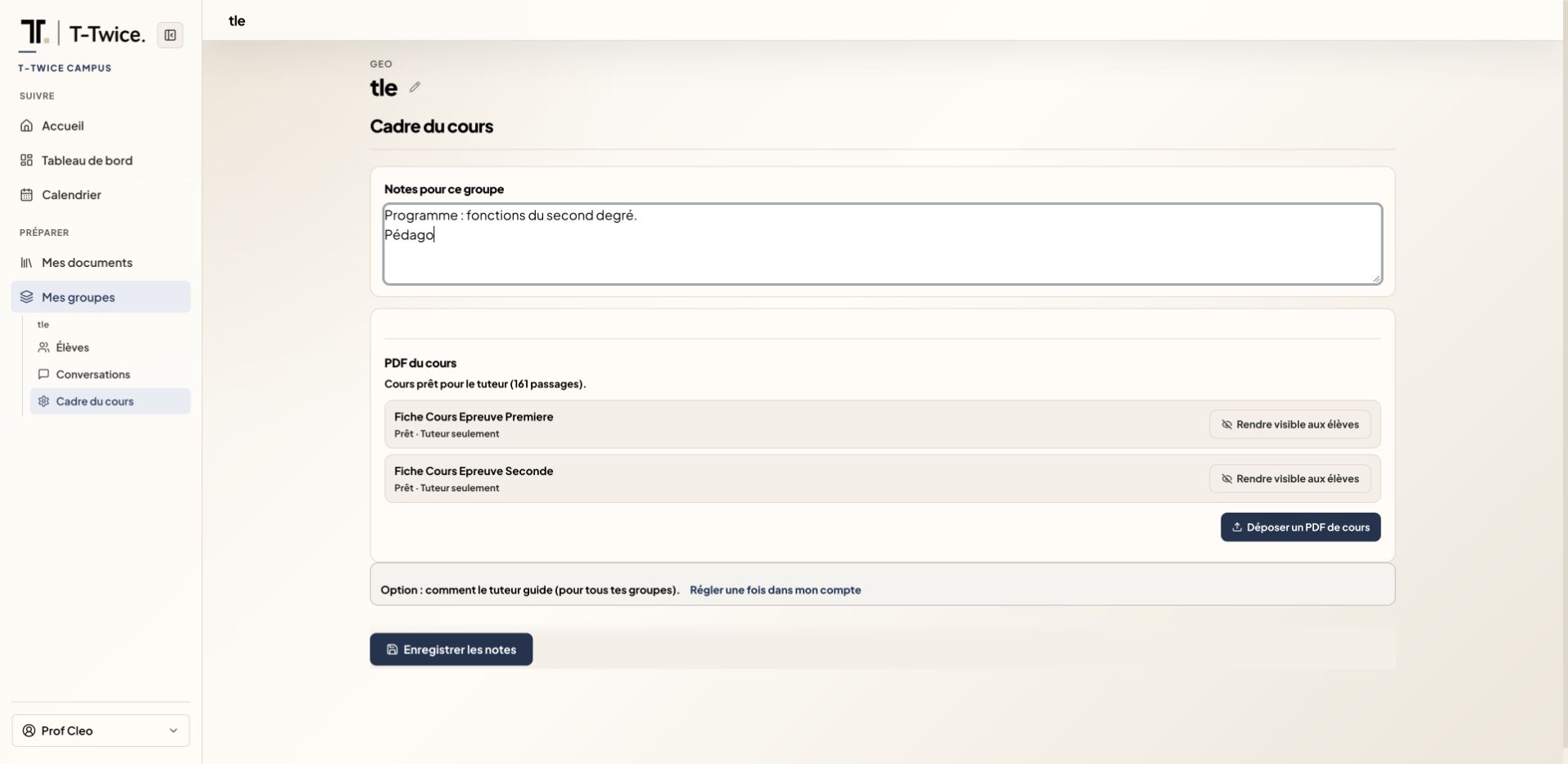
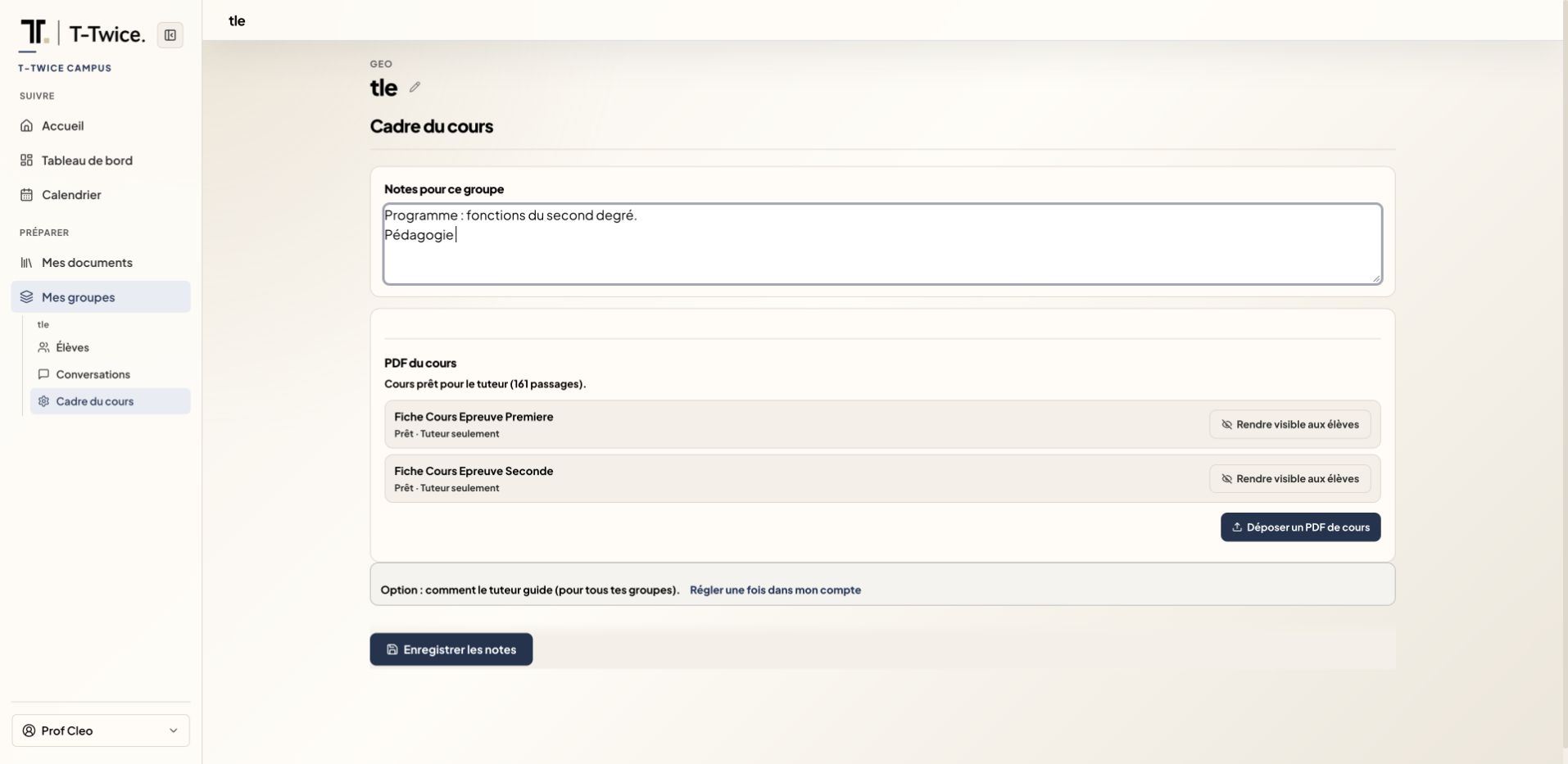
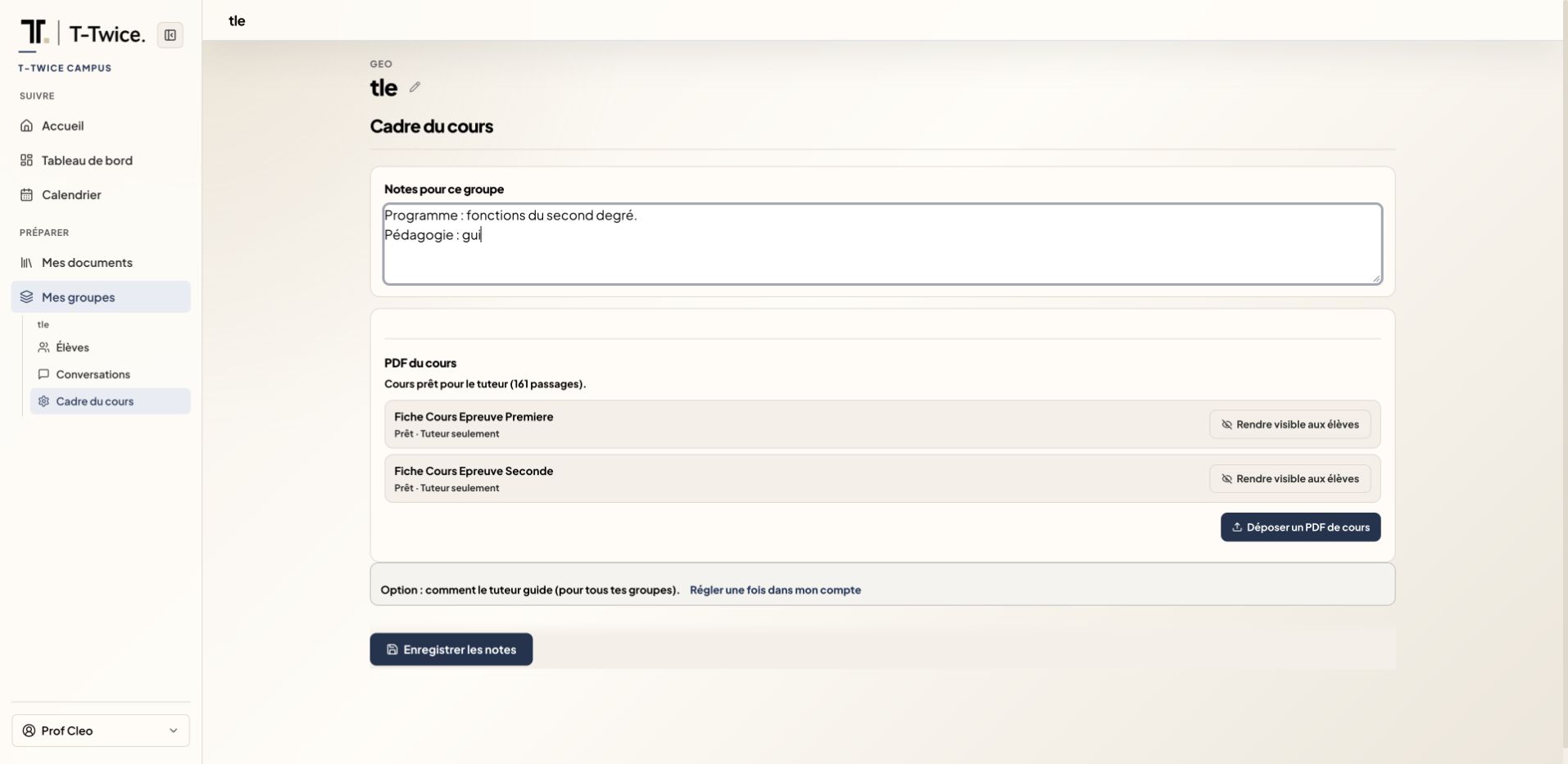
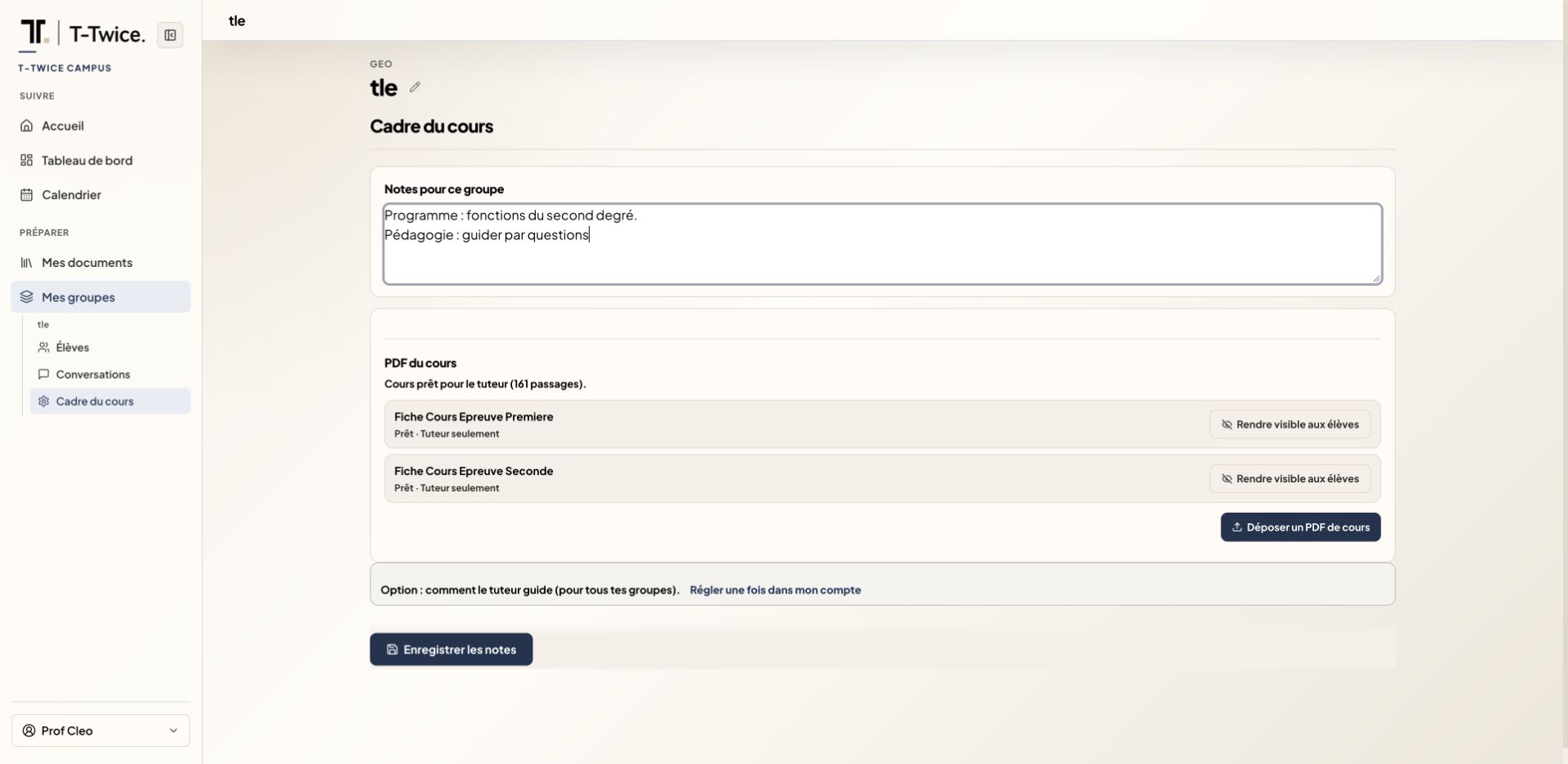
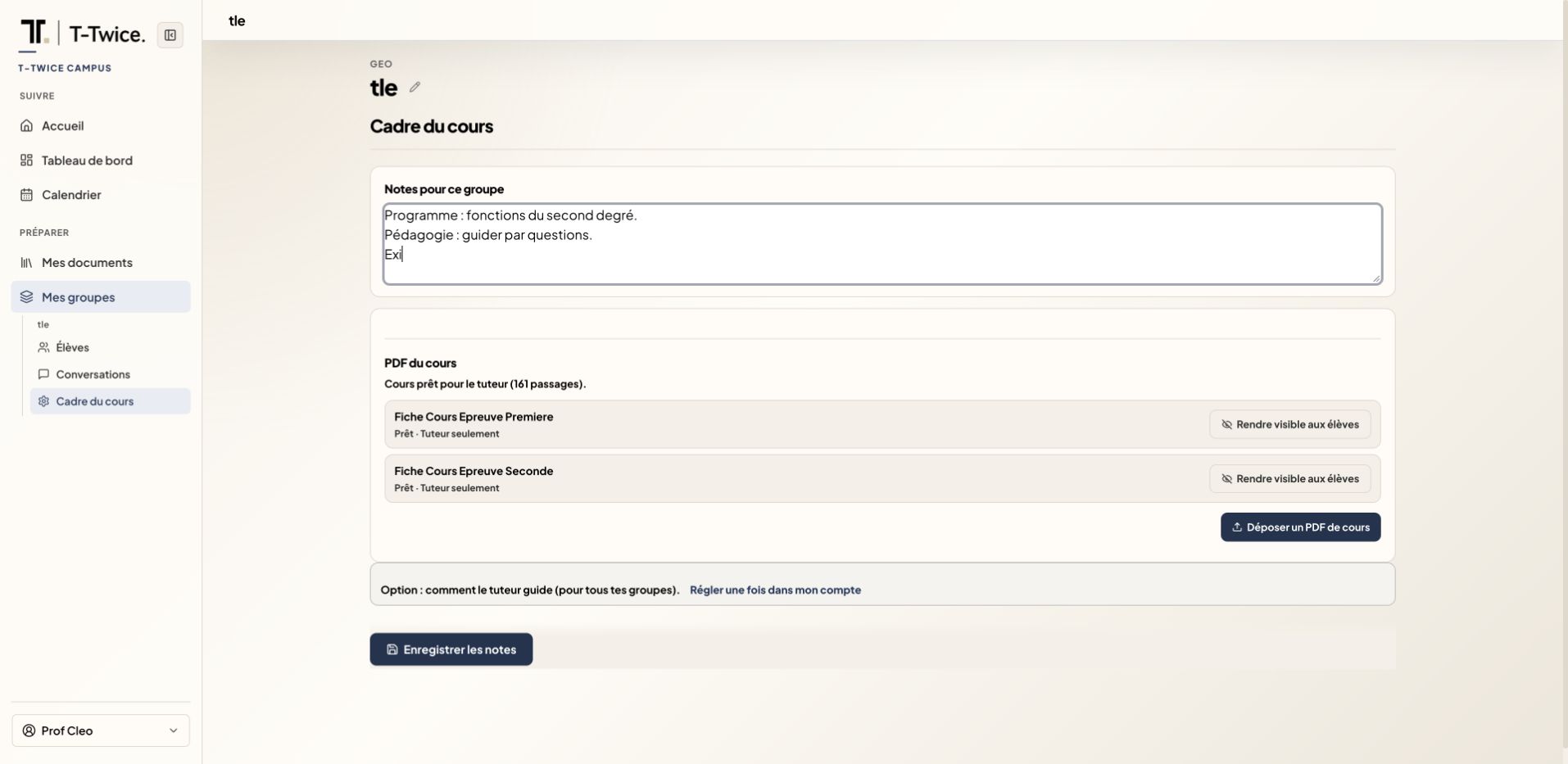
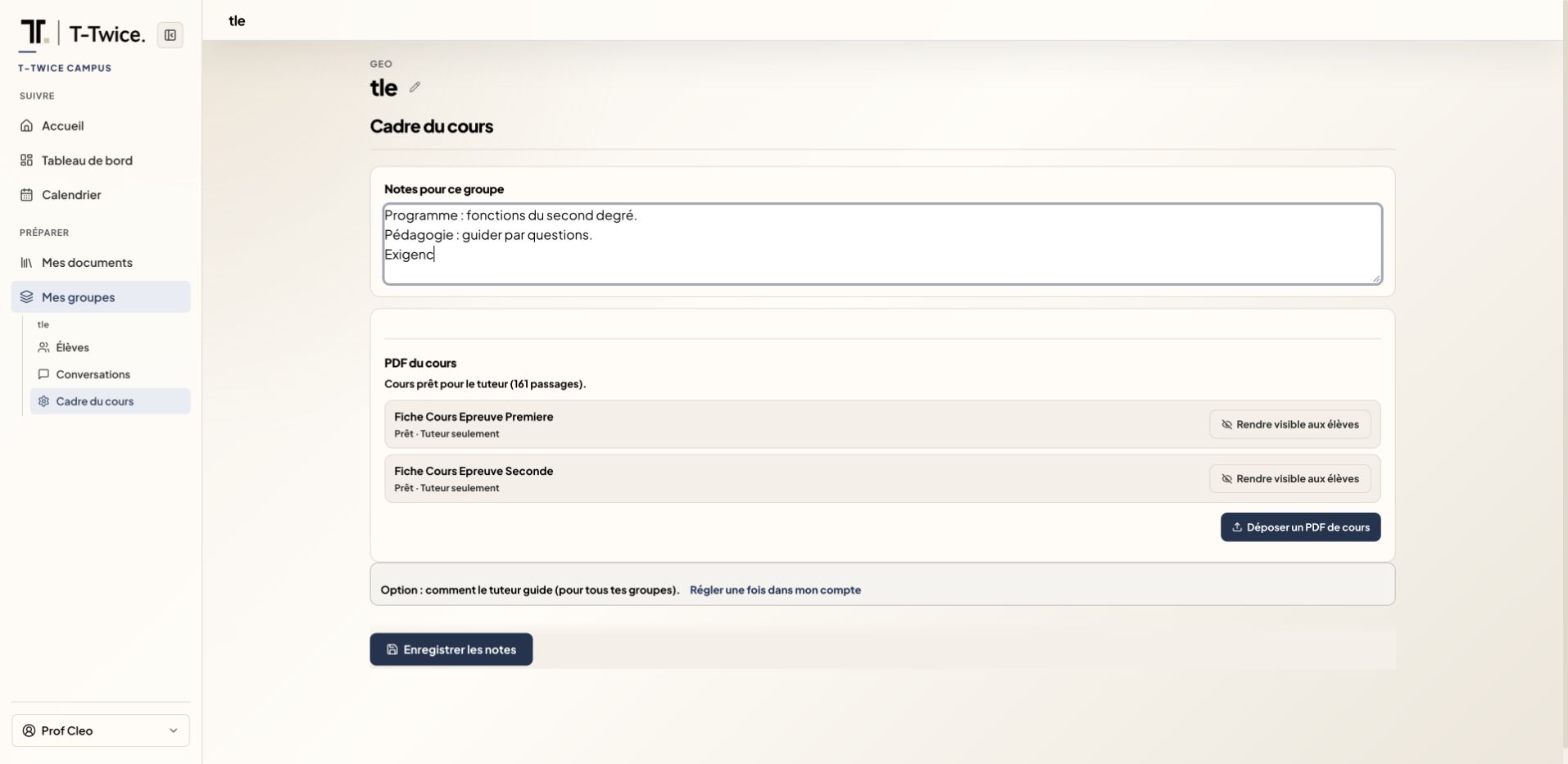
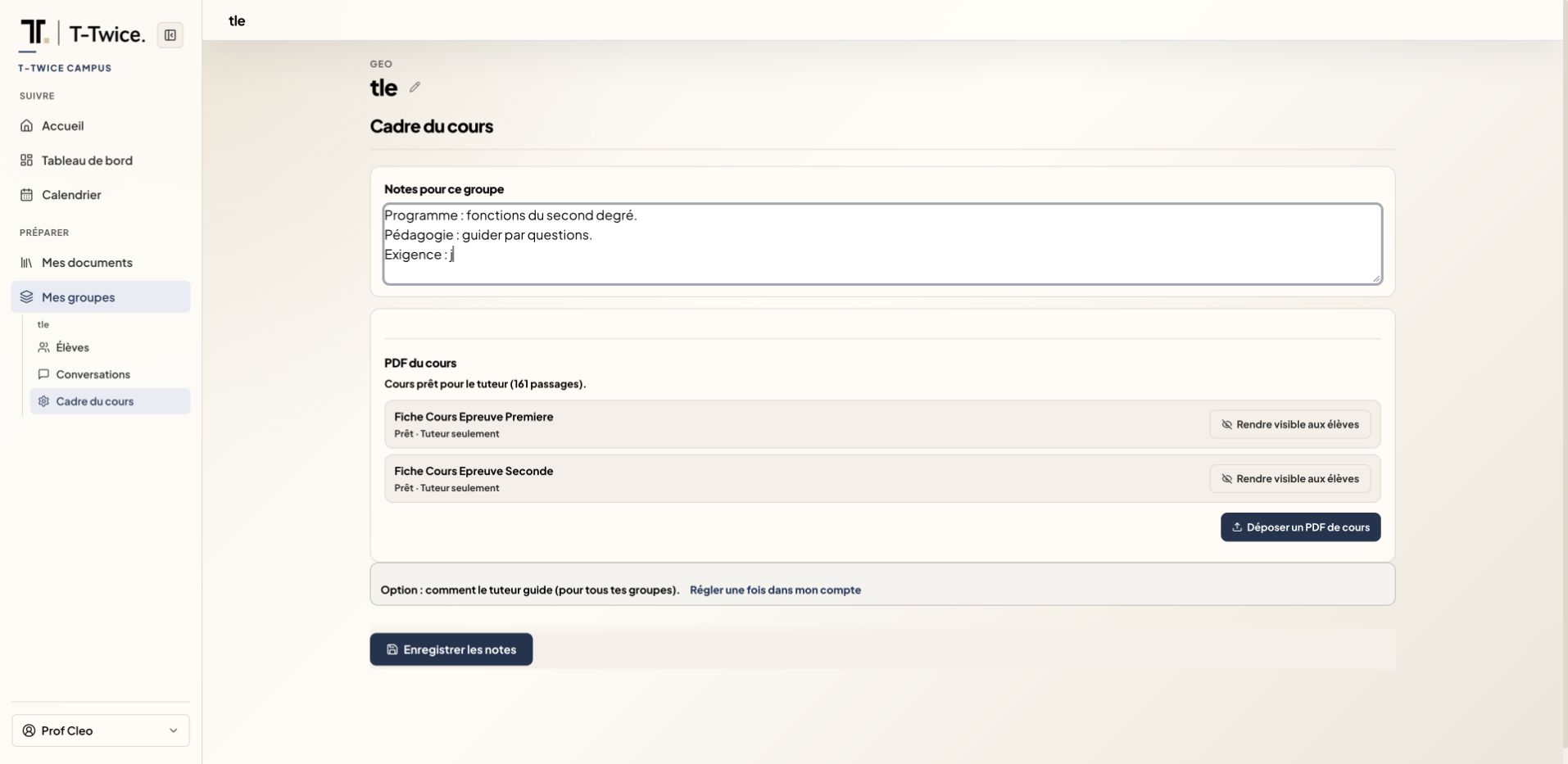
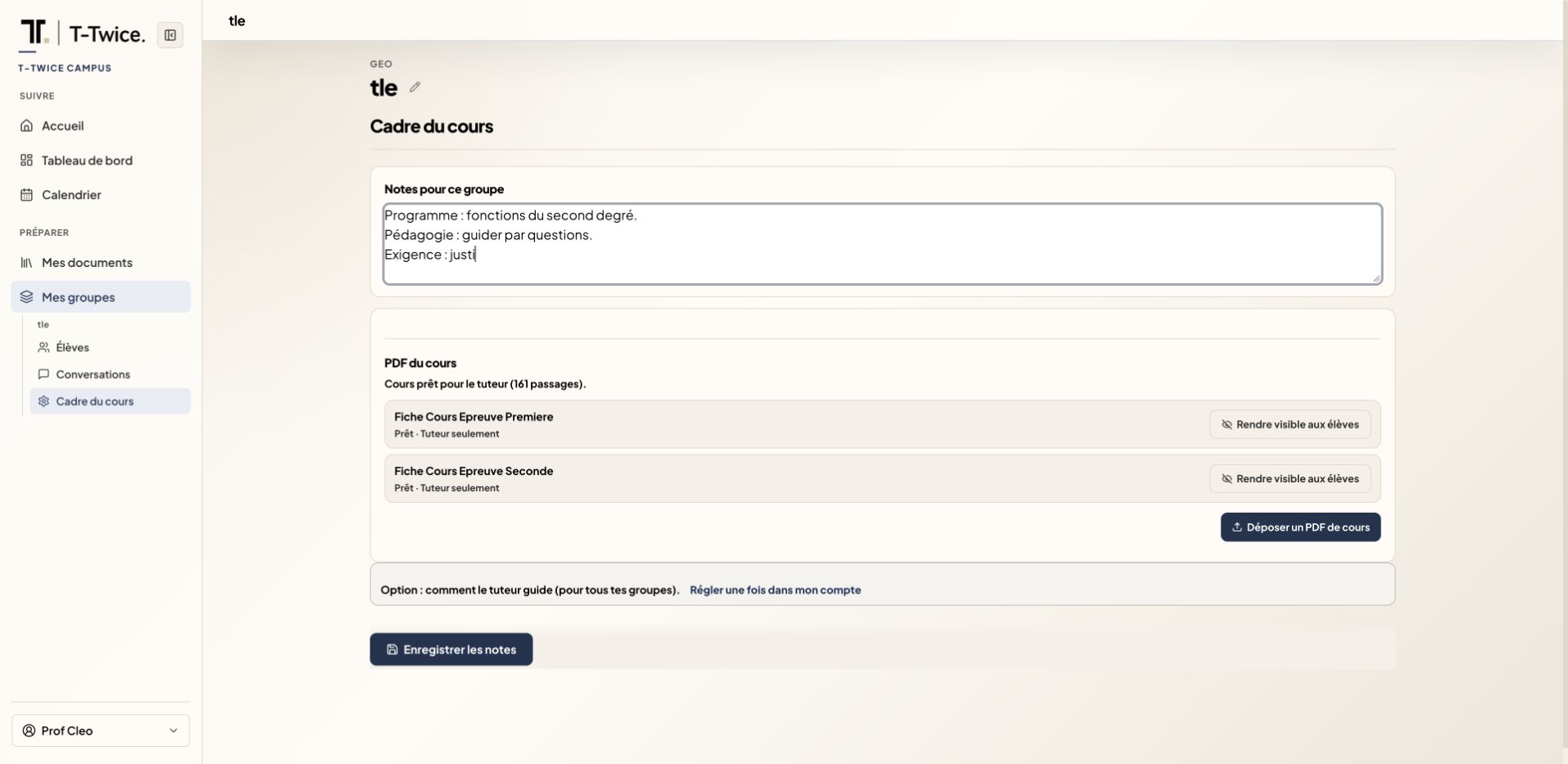
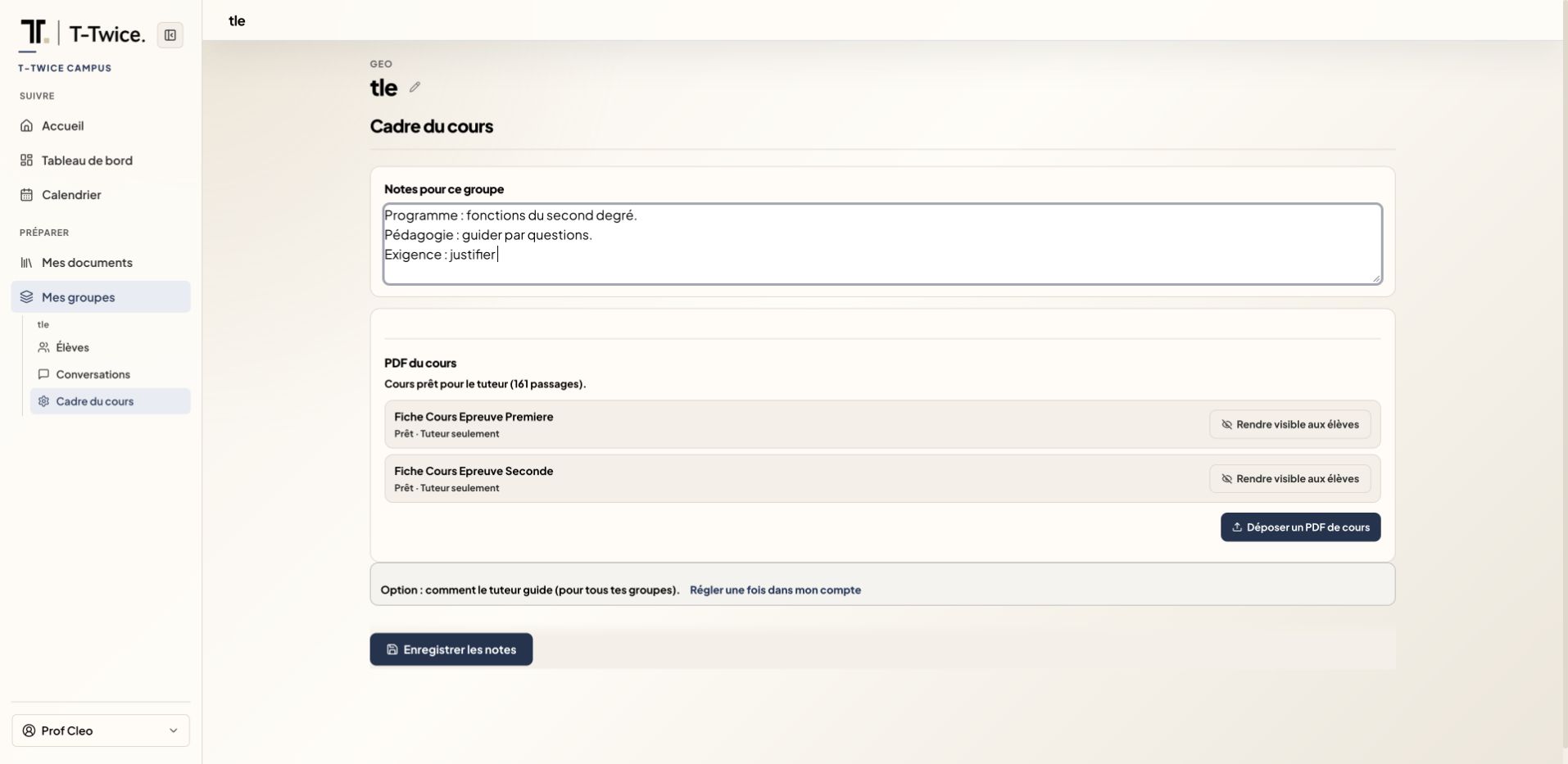
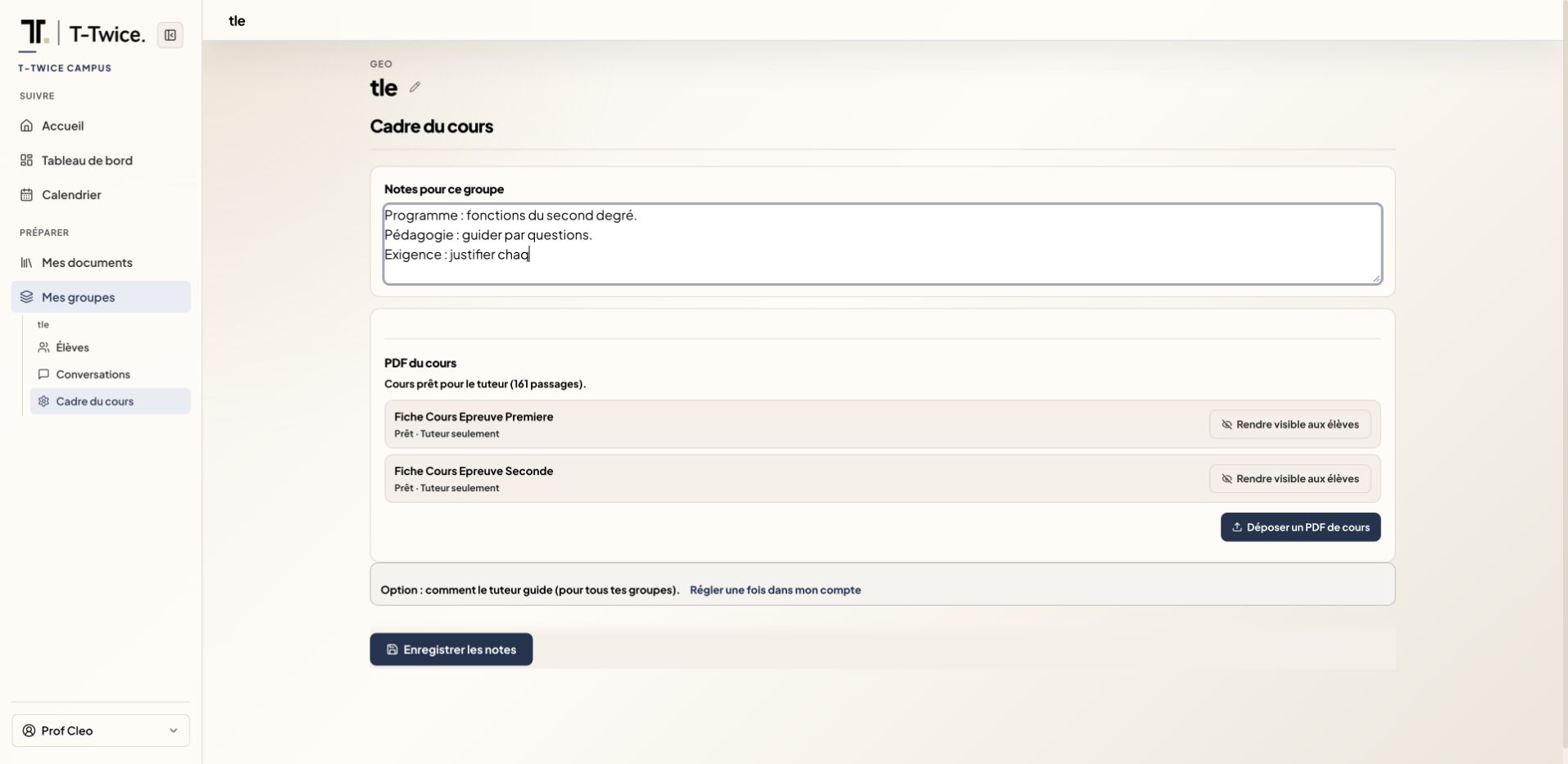
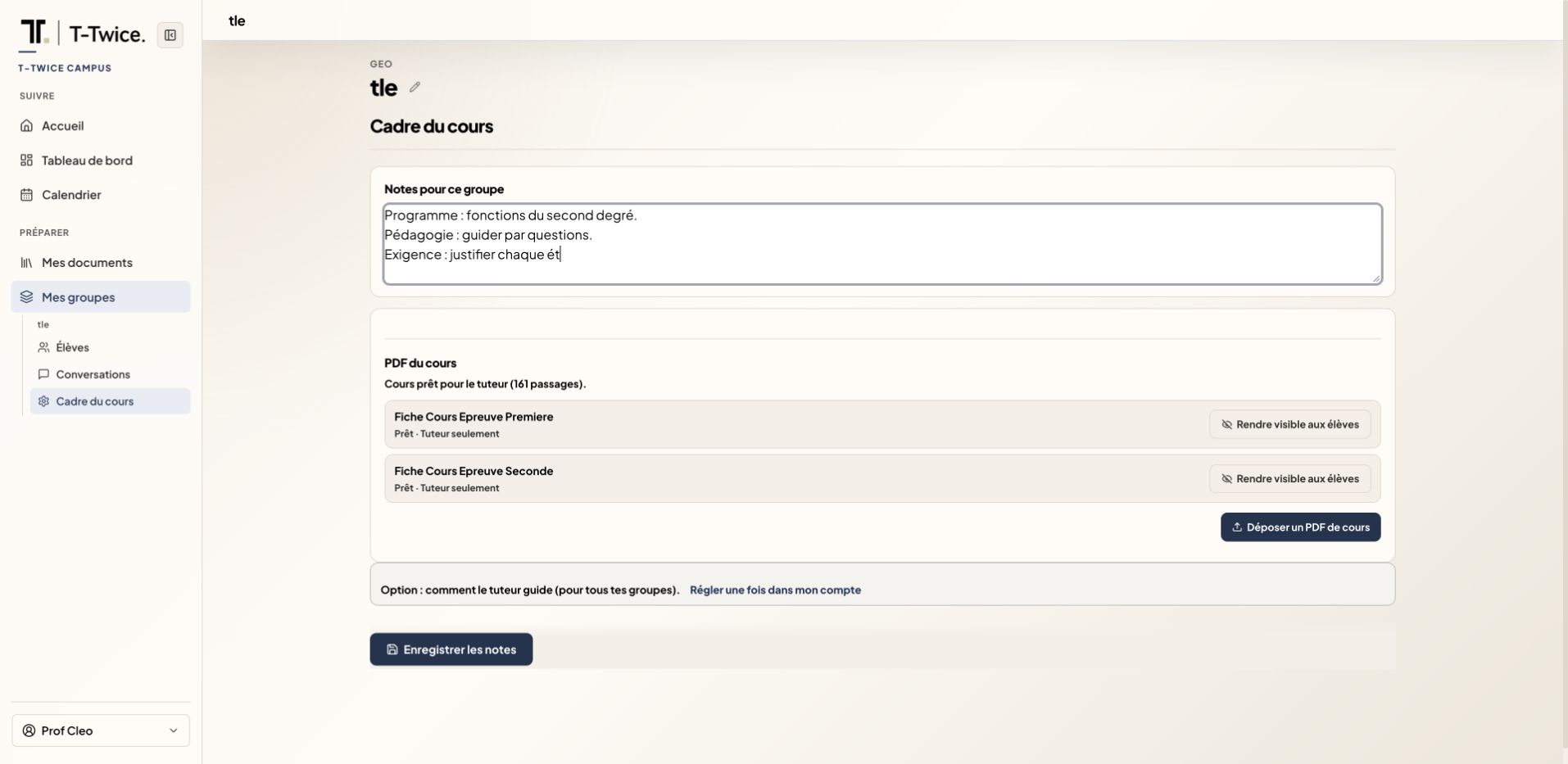
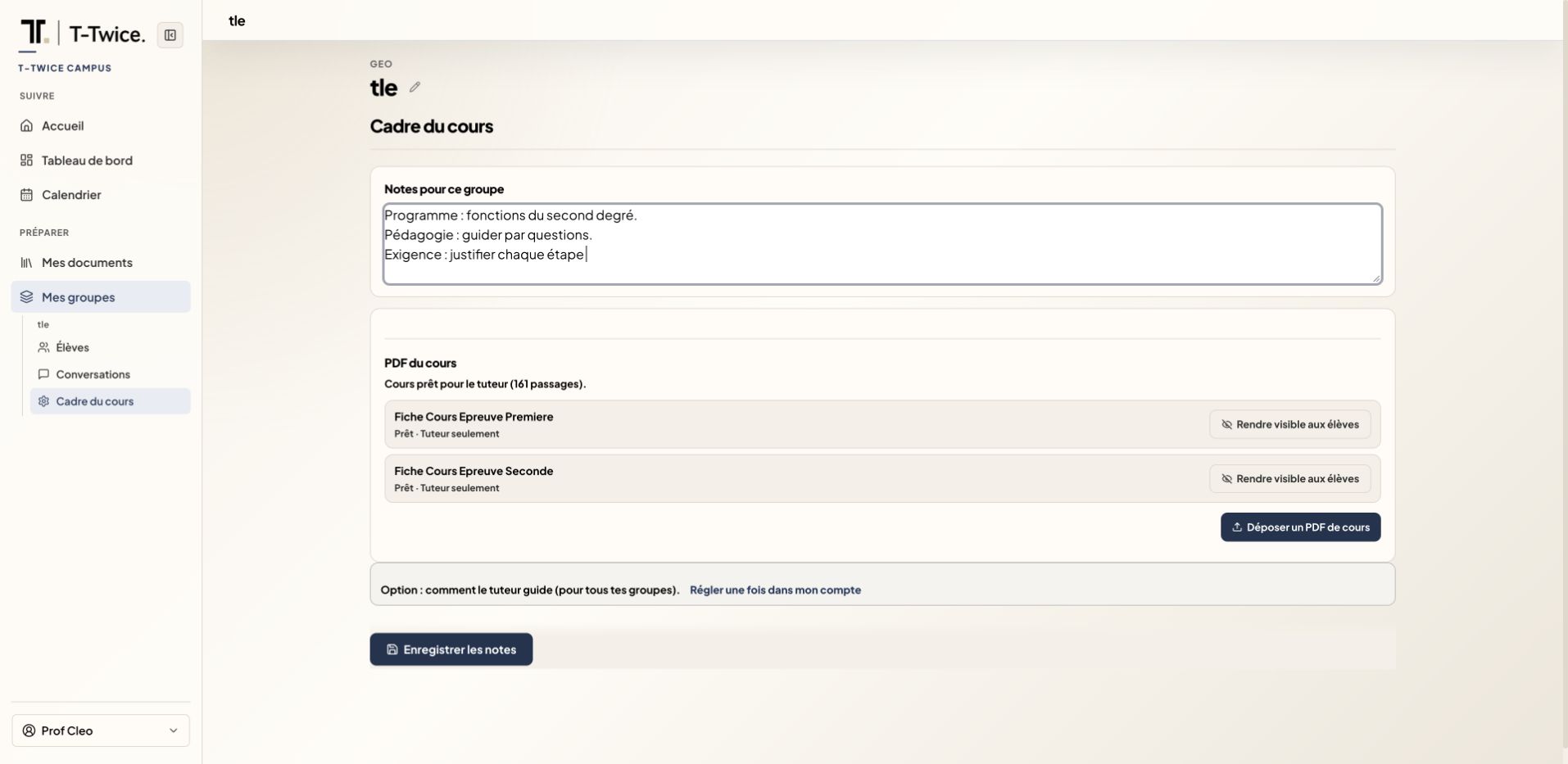
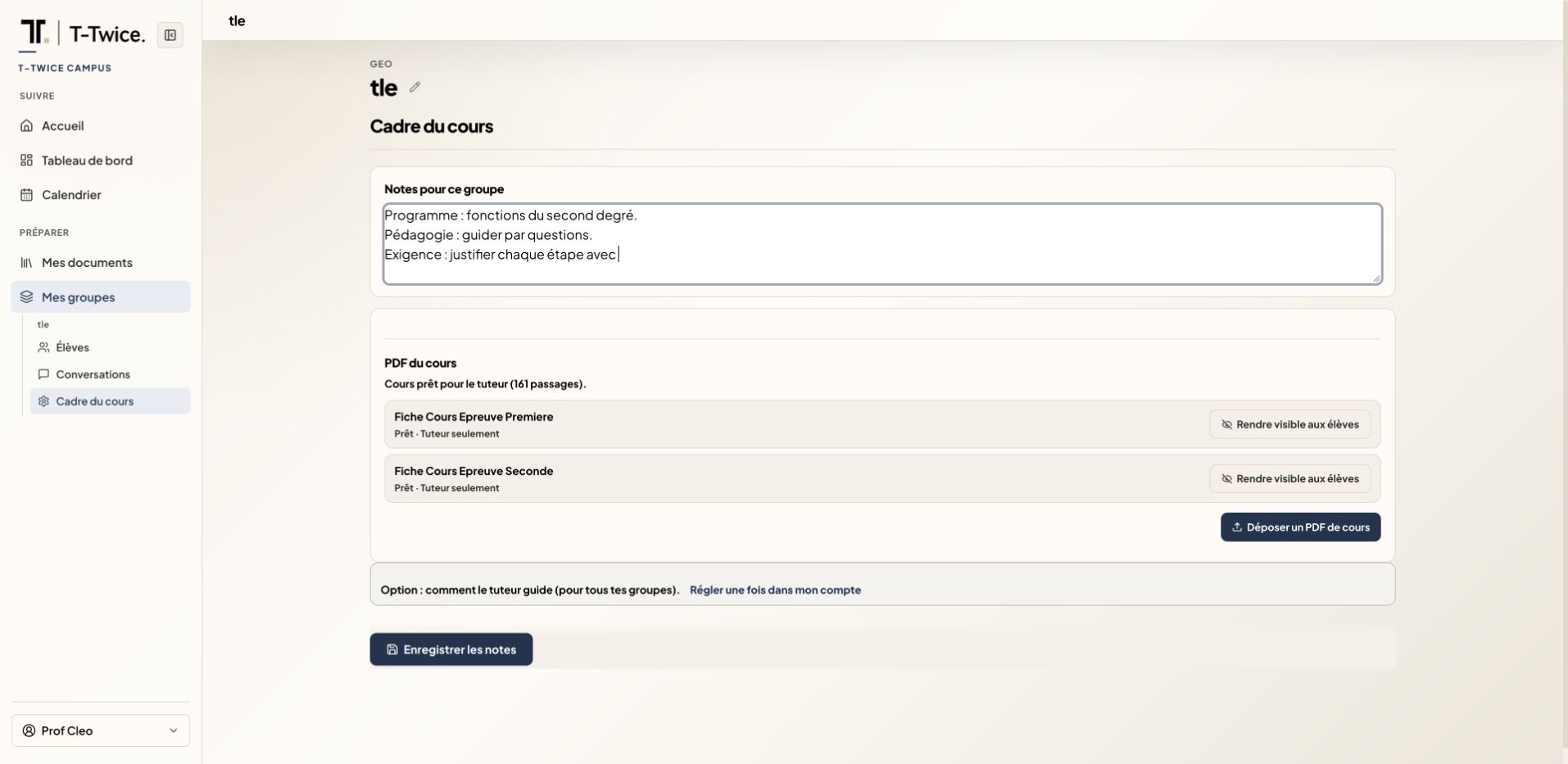
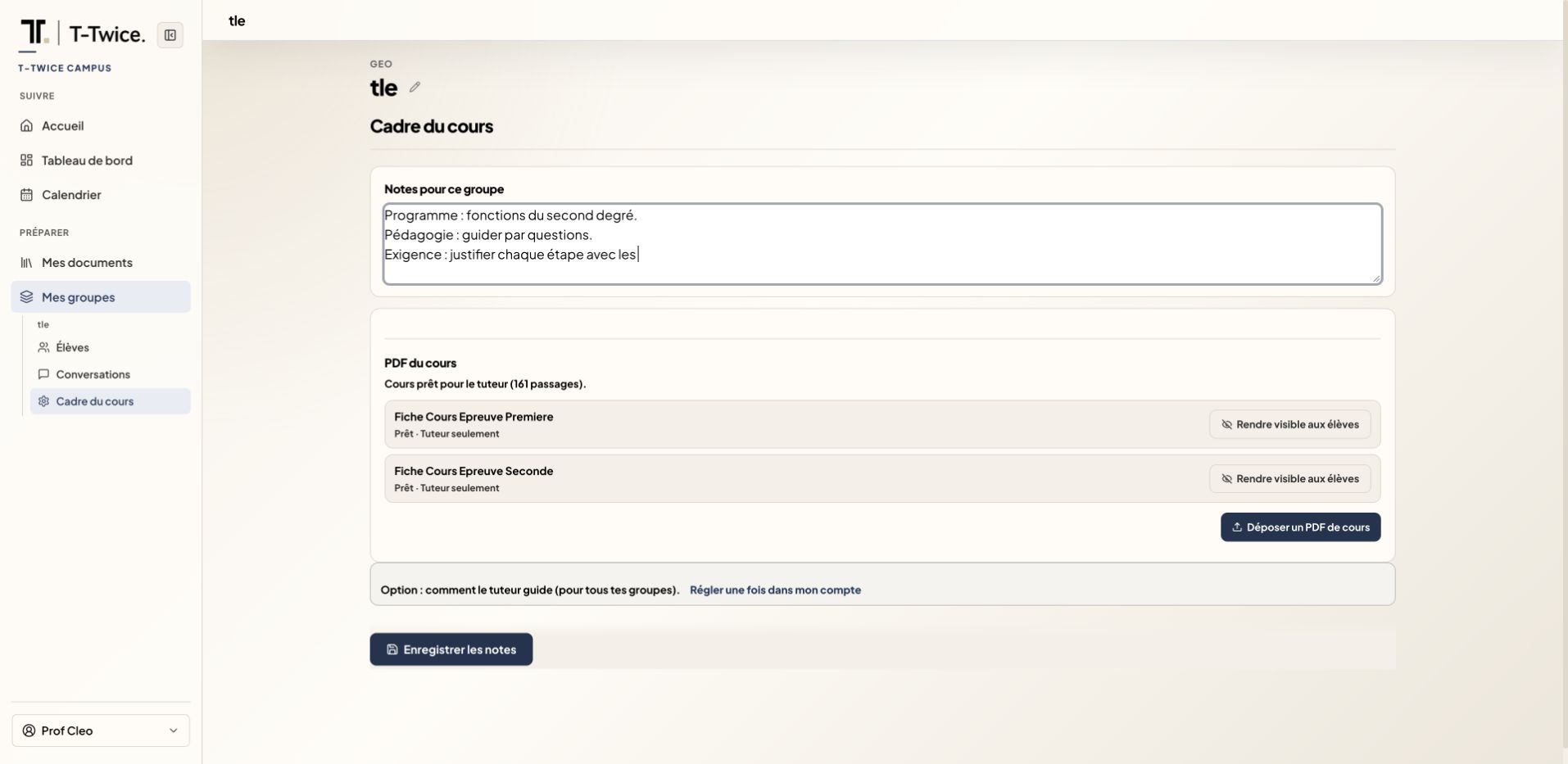
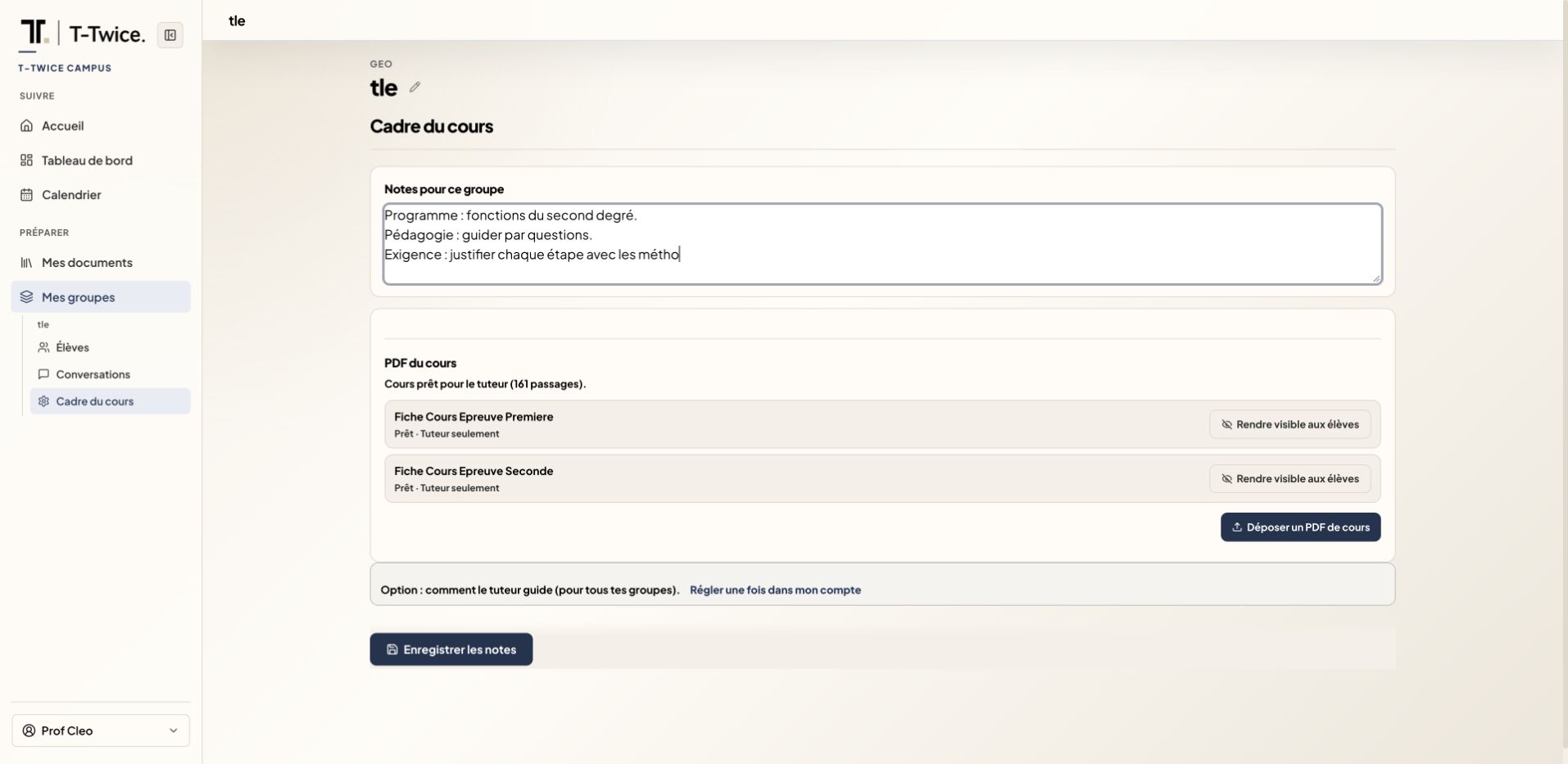
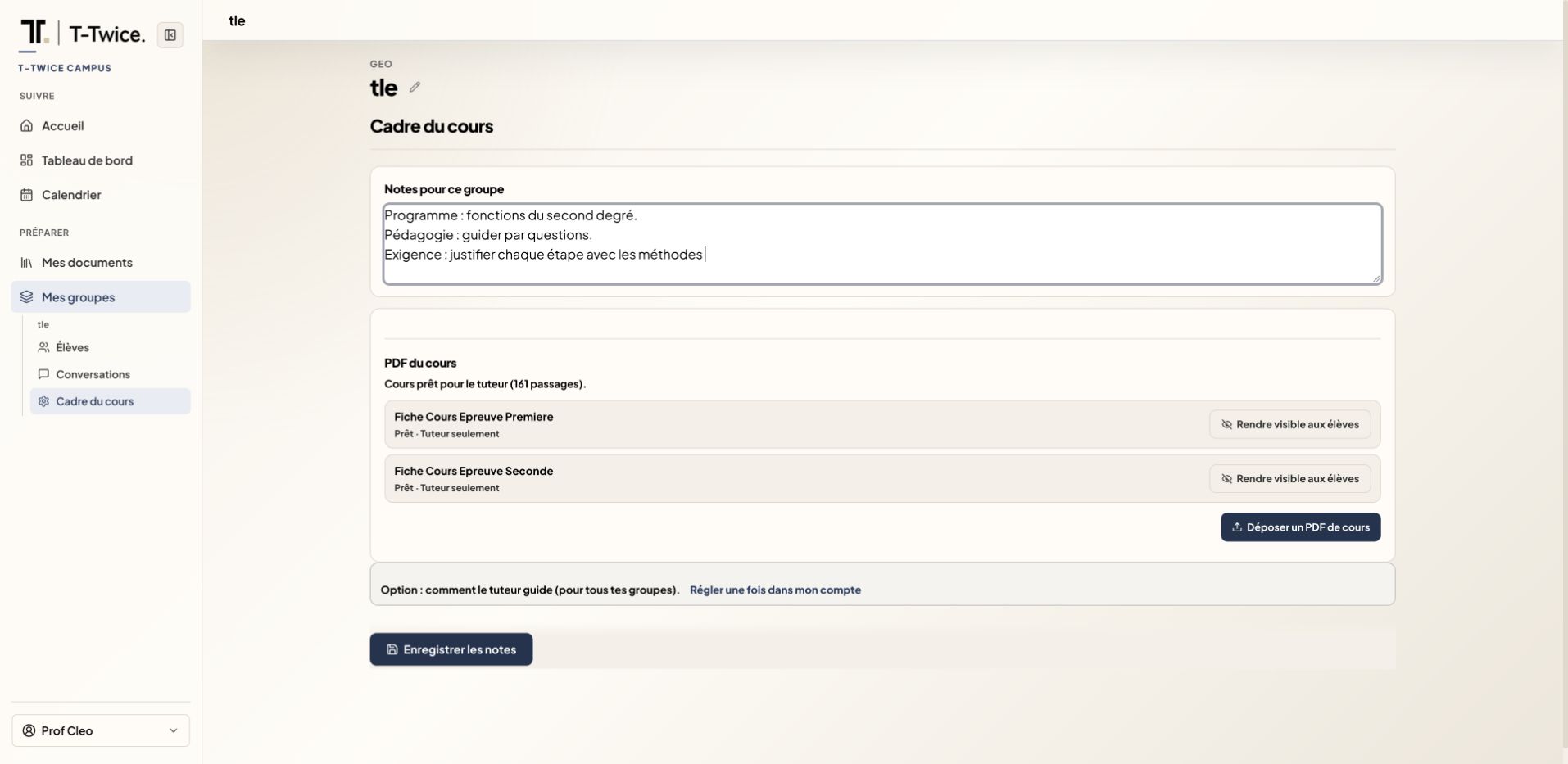
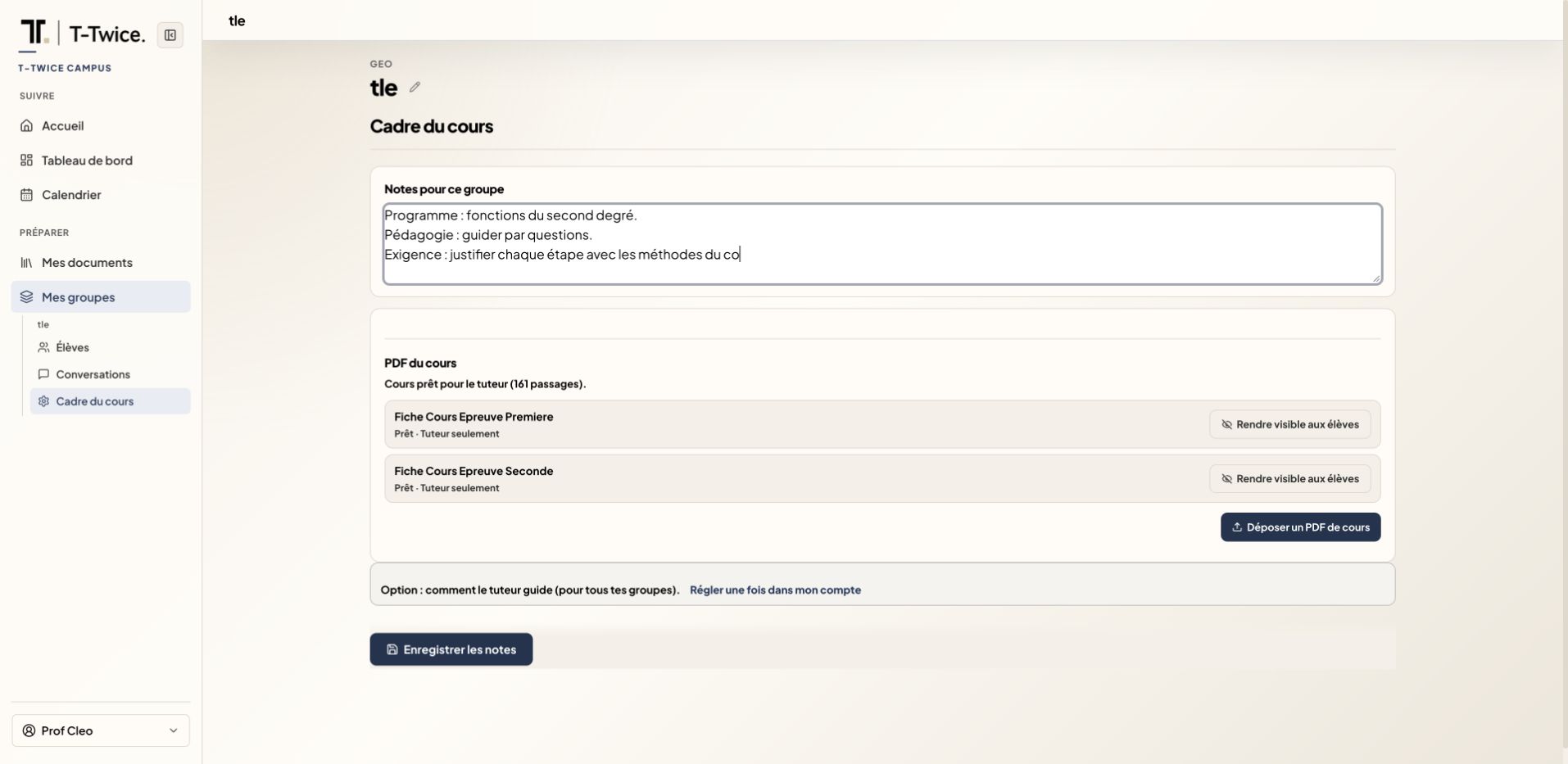
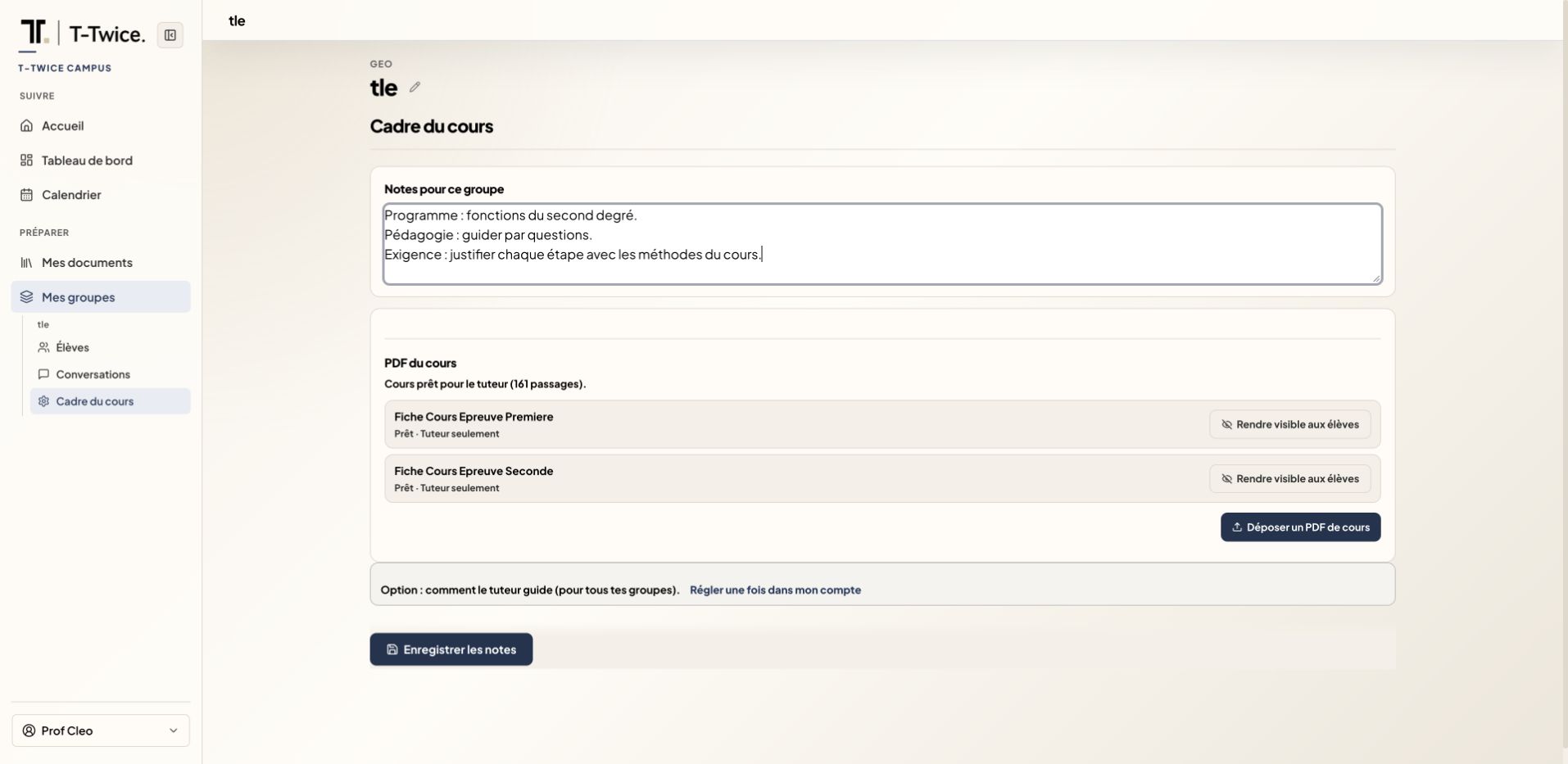
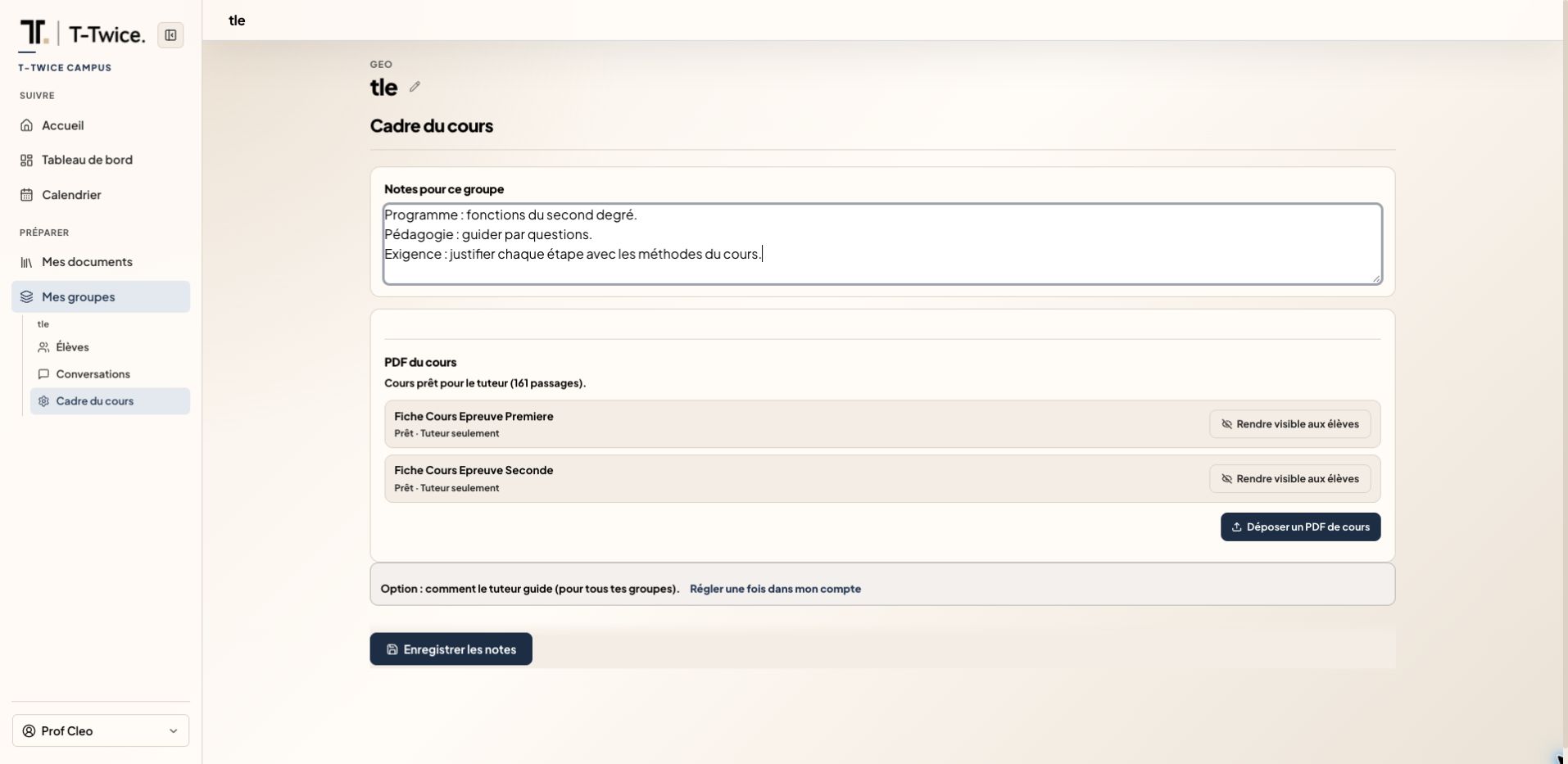
  3. Set the framework for your lessons

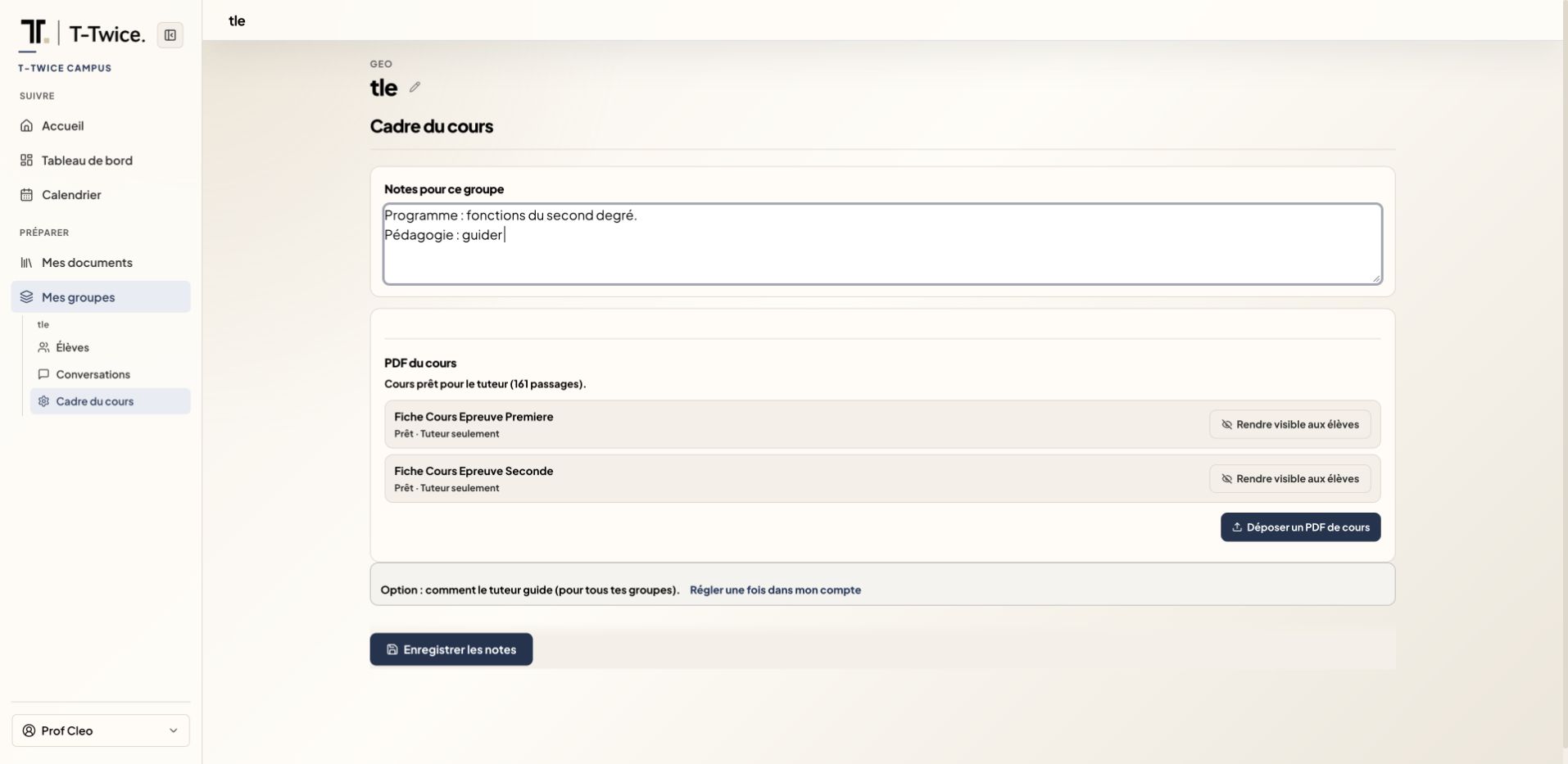
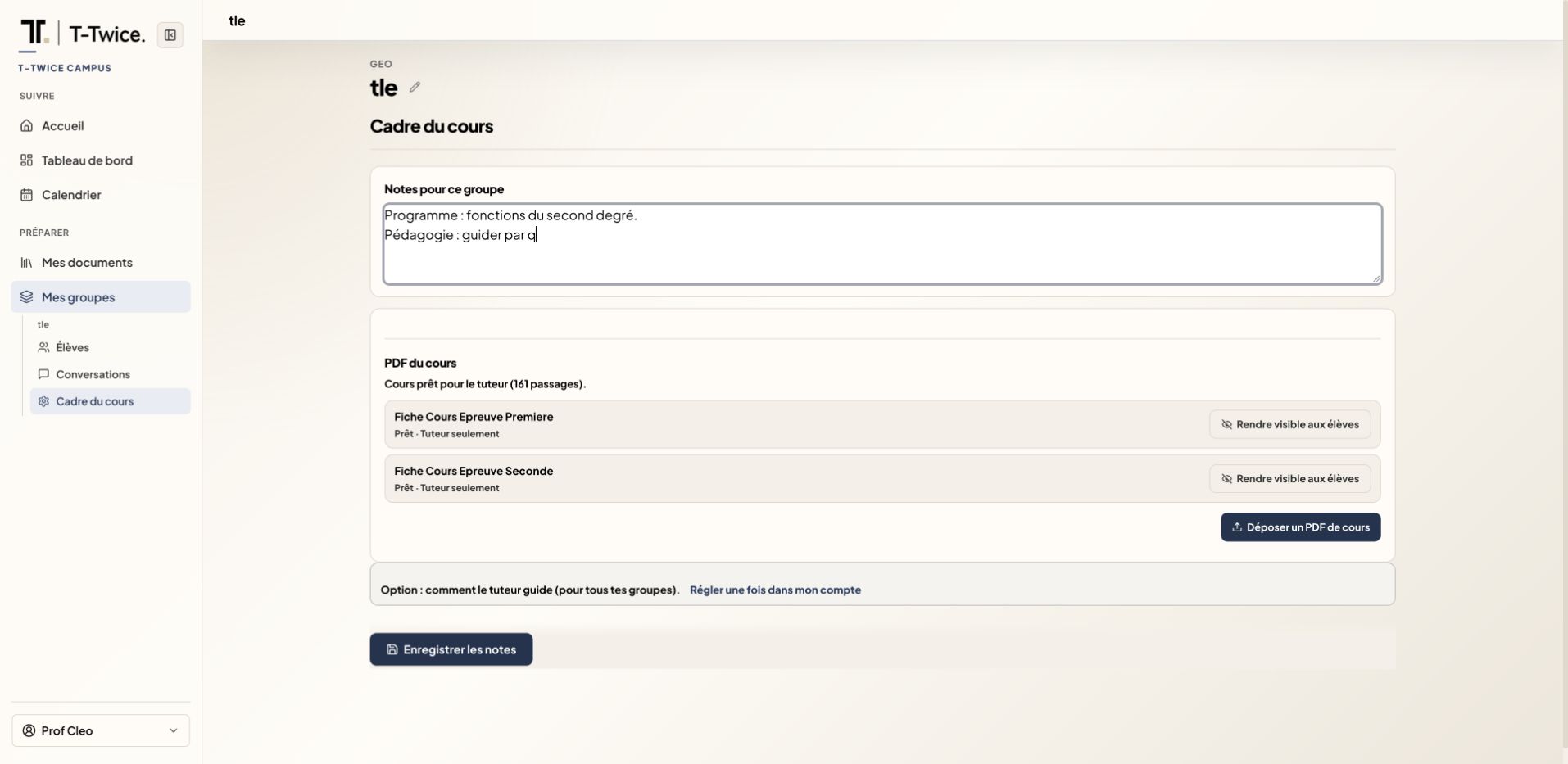
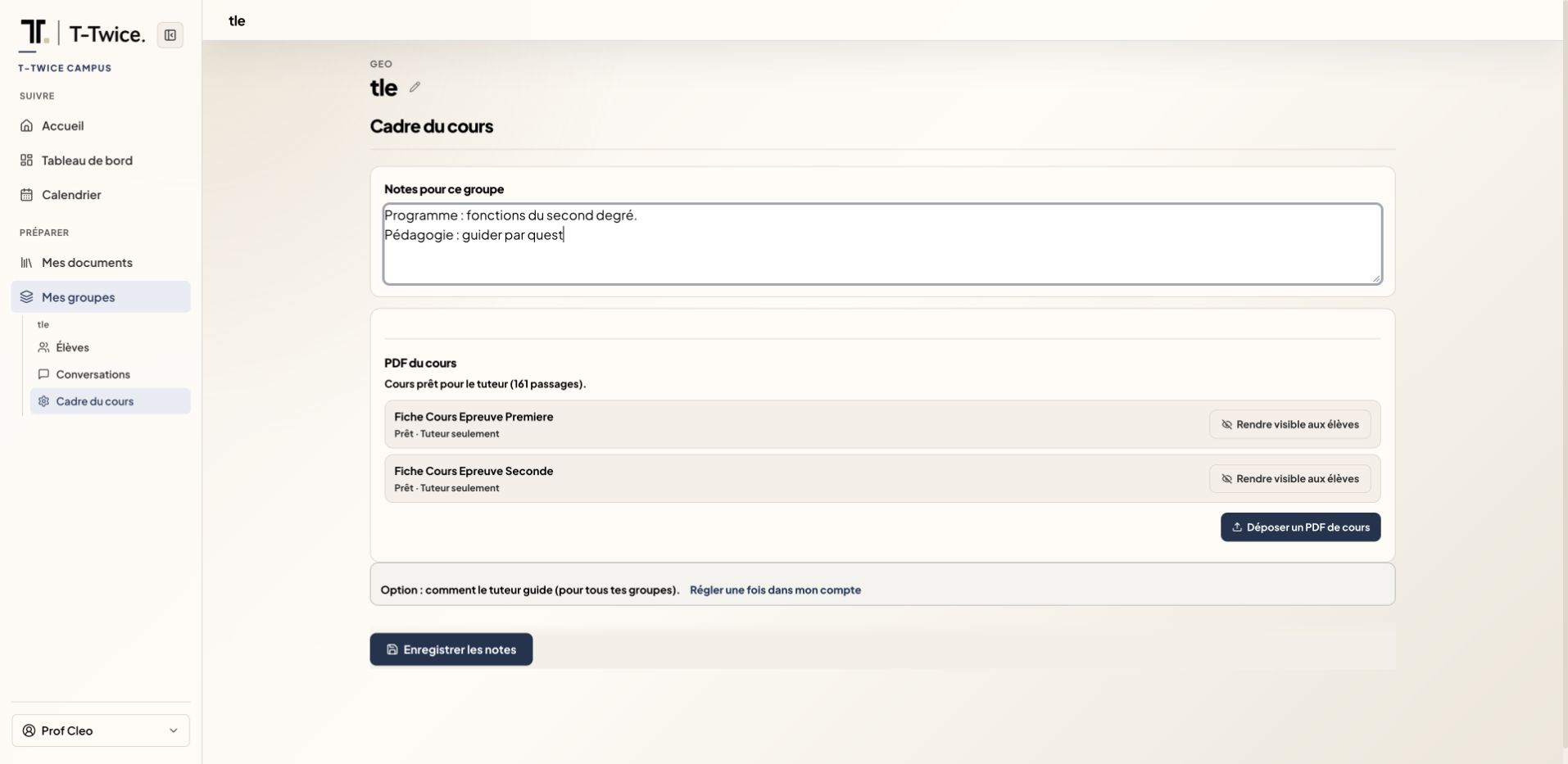
    Set your curriculum, teaching approach and level of rigor. Add your course so the tutor can adapt to it.

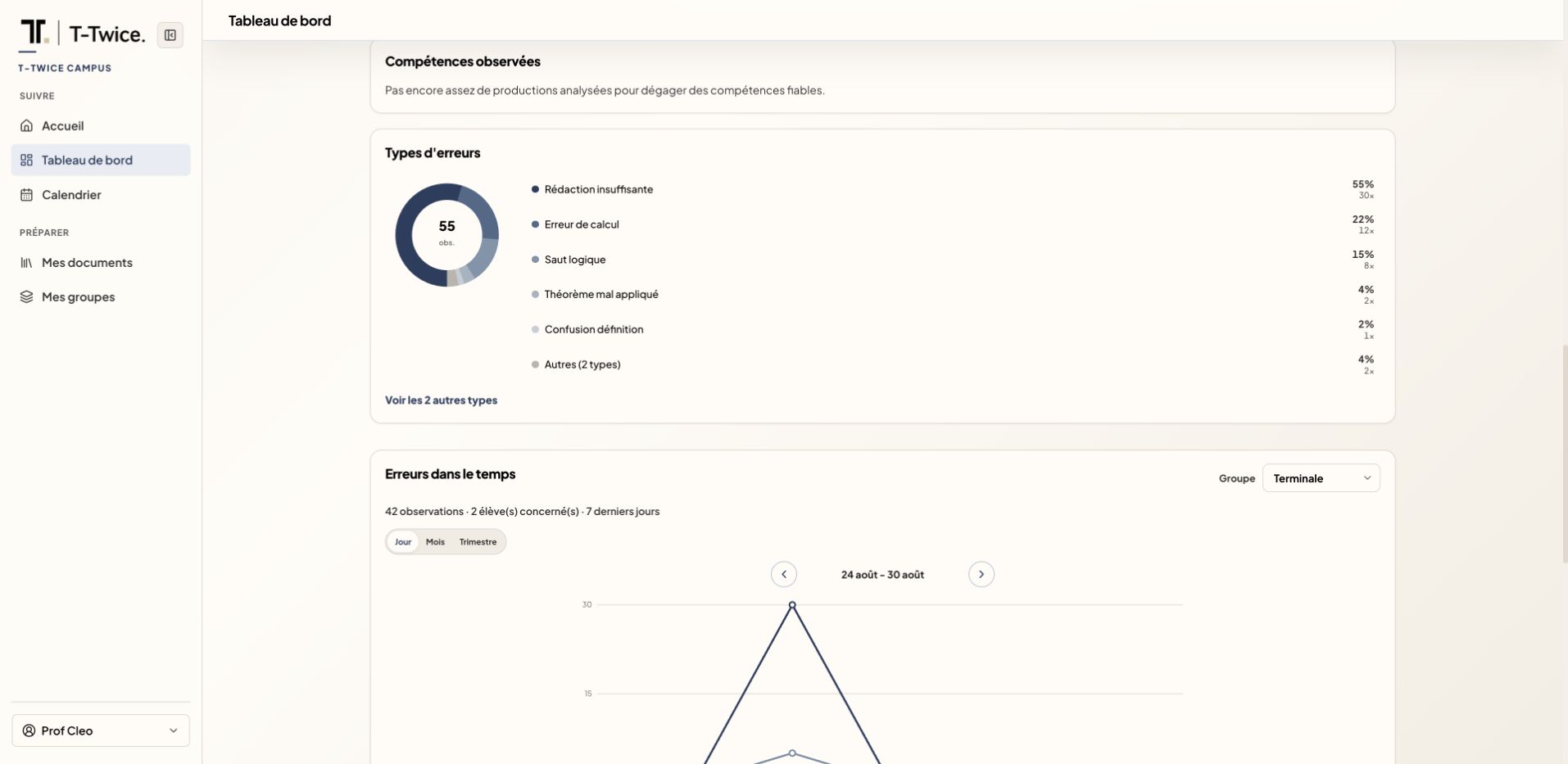
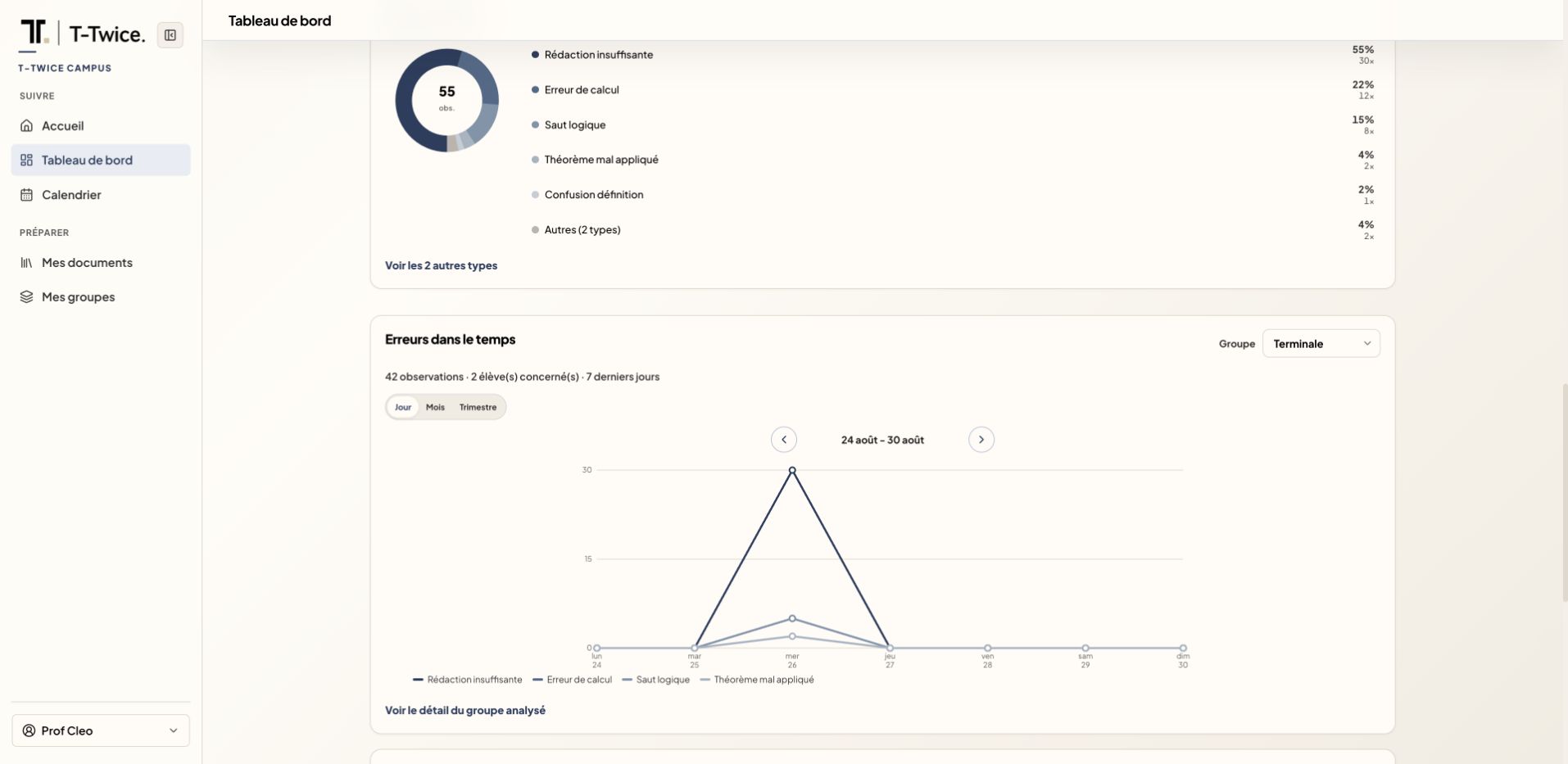
  4. Spot the most common errors

    See which errors occur most often in your class and plan a targeted review.

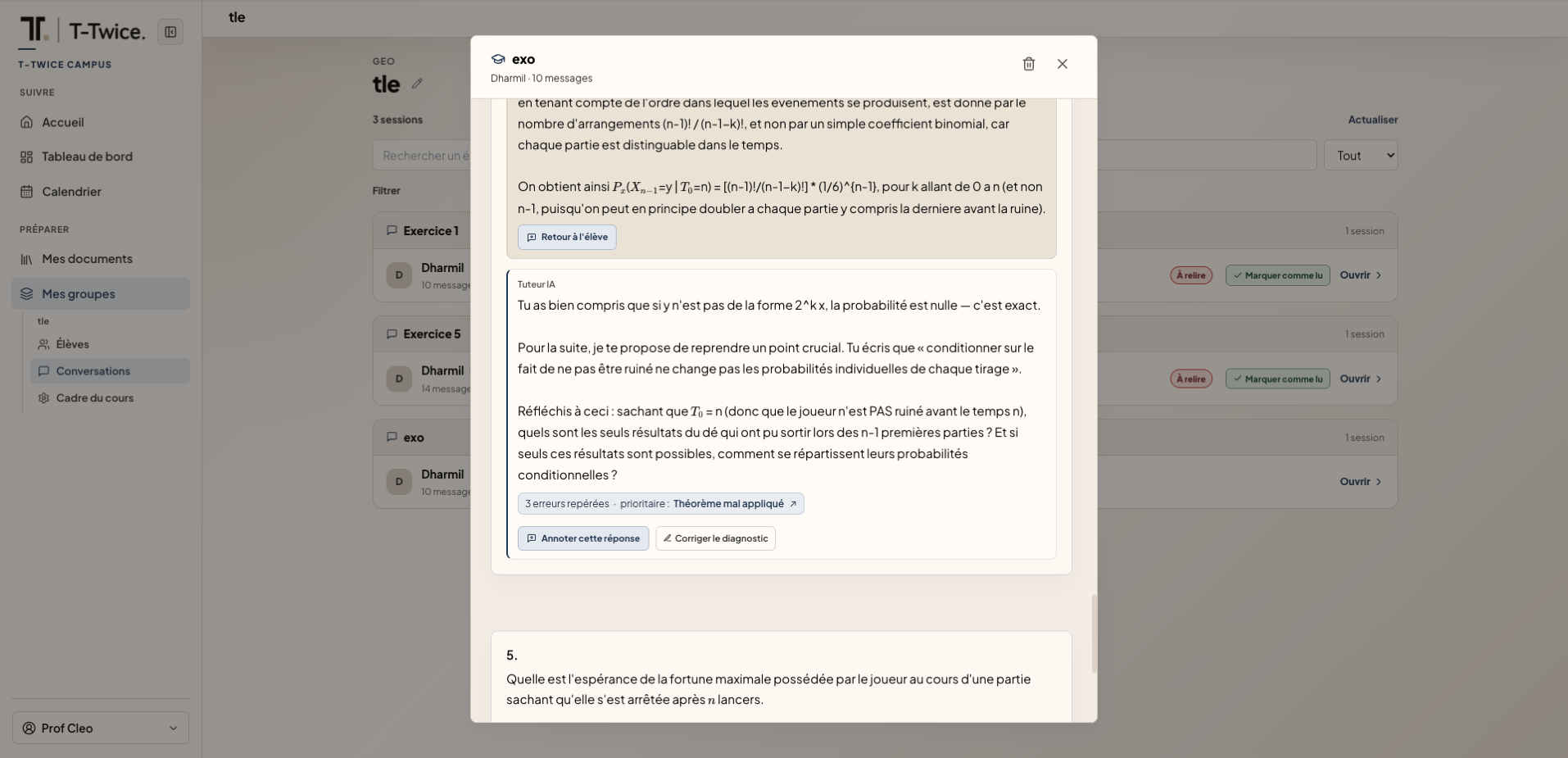
  5. Review the diagnosis and reply to your student

    The tutor analyses their work. You adjust the diagnosis and add your comment directly to their answer.

    Campus: a student’s work, the tutor diagnosis, and the teacher correcting and replying.

Also in Campus

Calendar, groups, documents and class overview: your tools for following class progress.

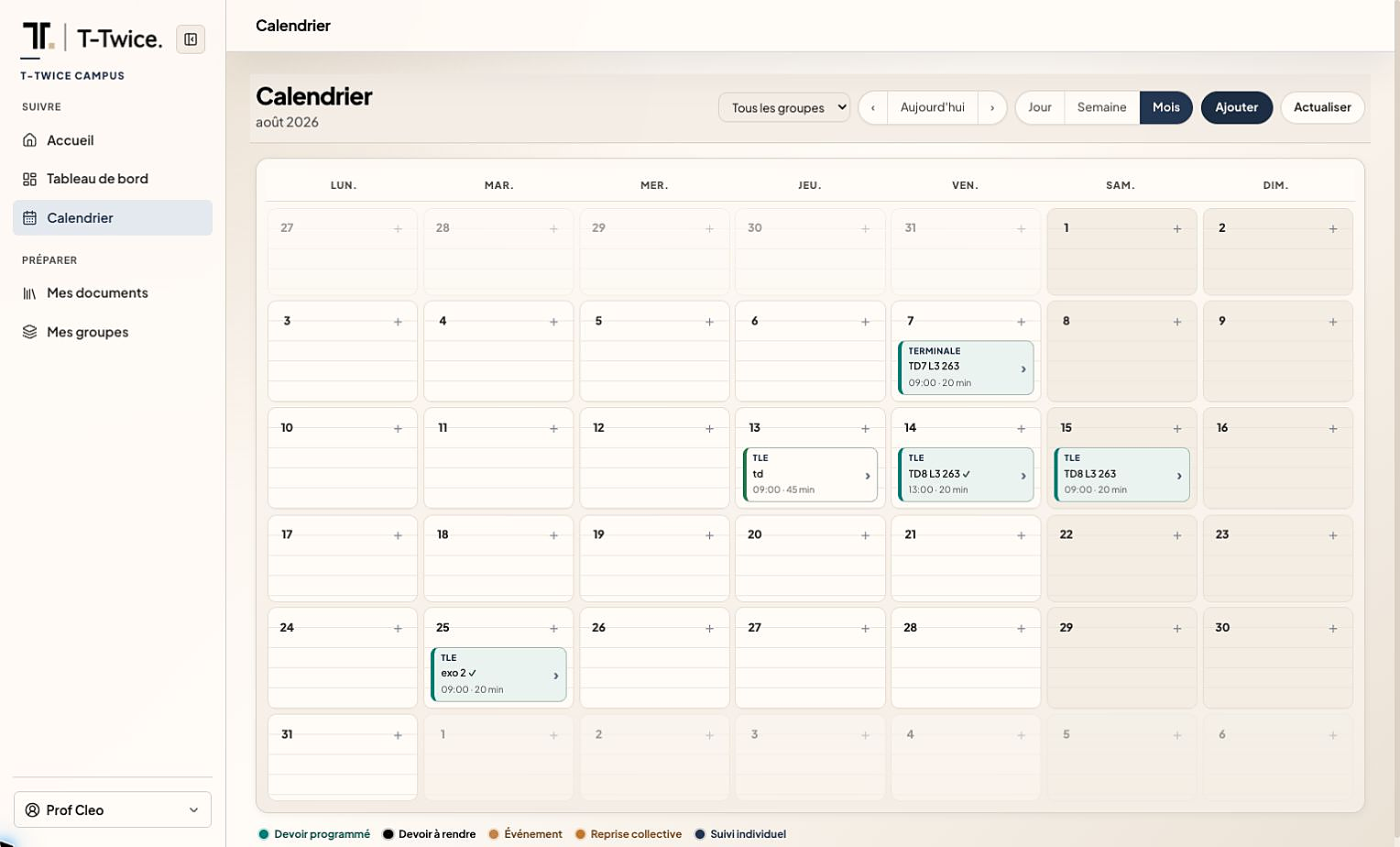
Campus: Calendar of homework and class follow-ups.
CalendarHomework, follow-ups and collective reviews on one schedule.
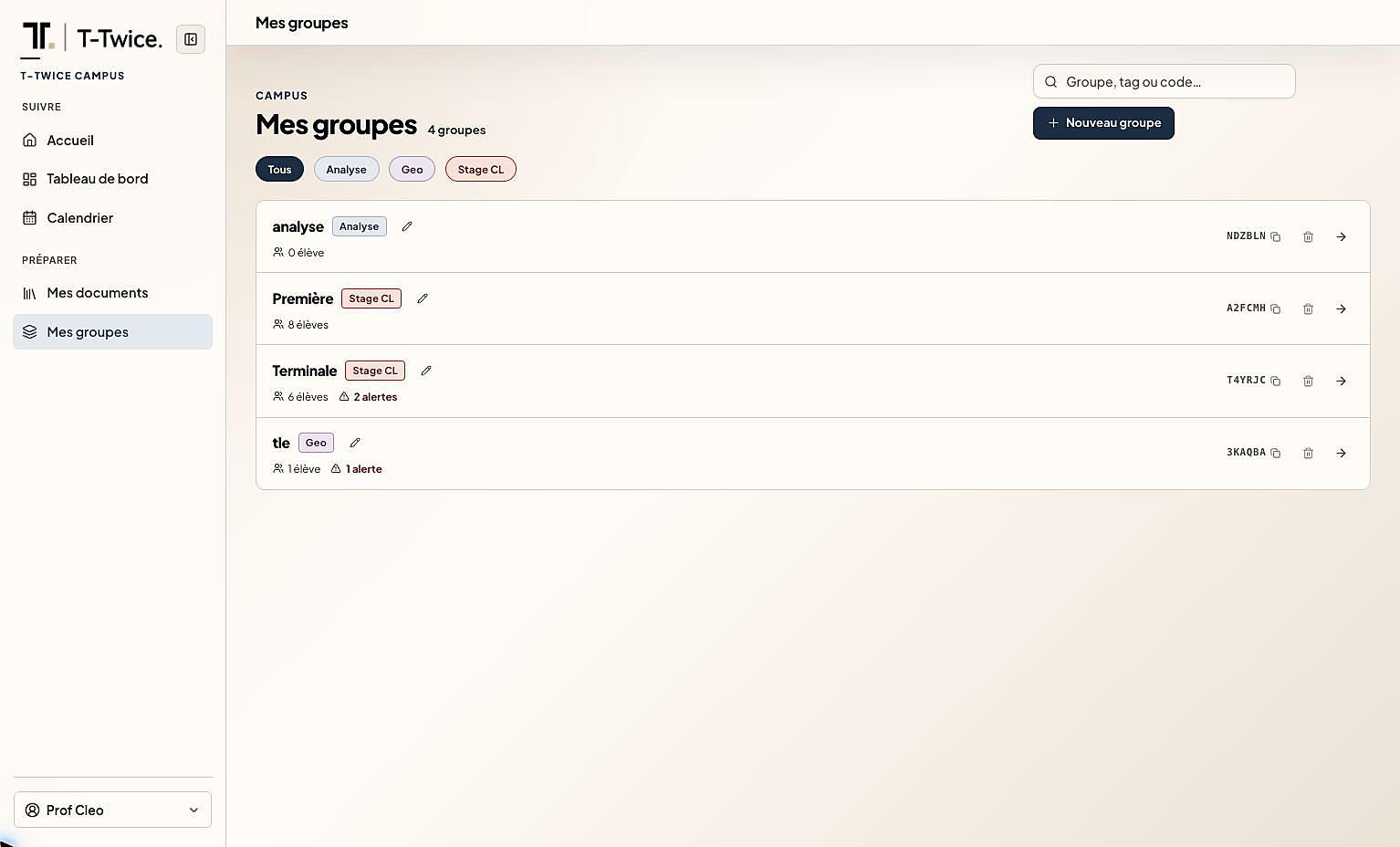
Campus: My groups, classes and pedagogical alerts.
My groupsFind your groups and the students who need follow-up.
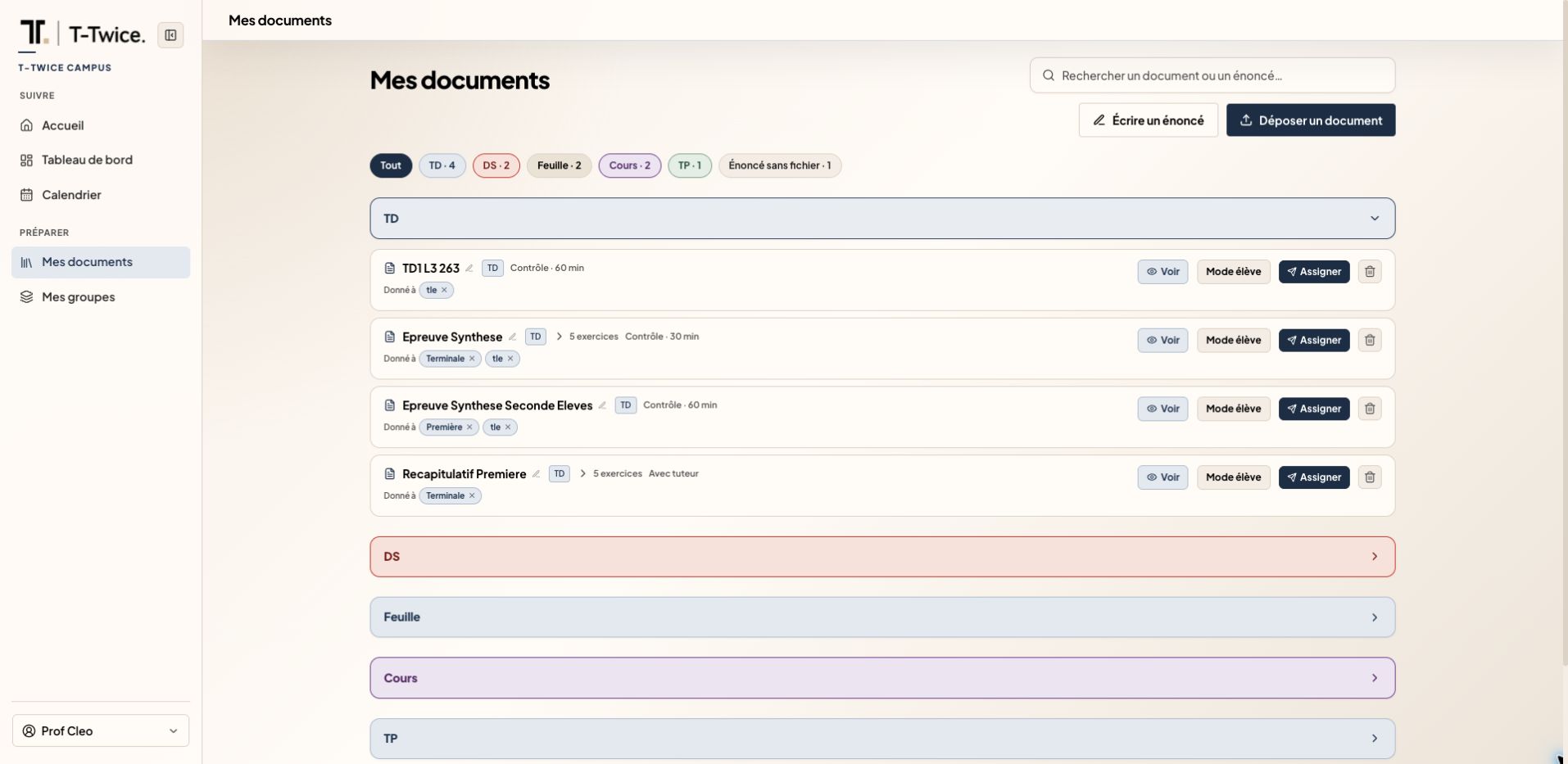
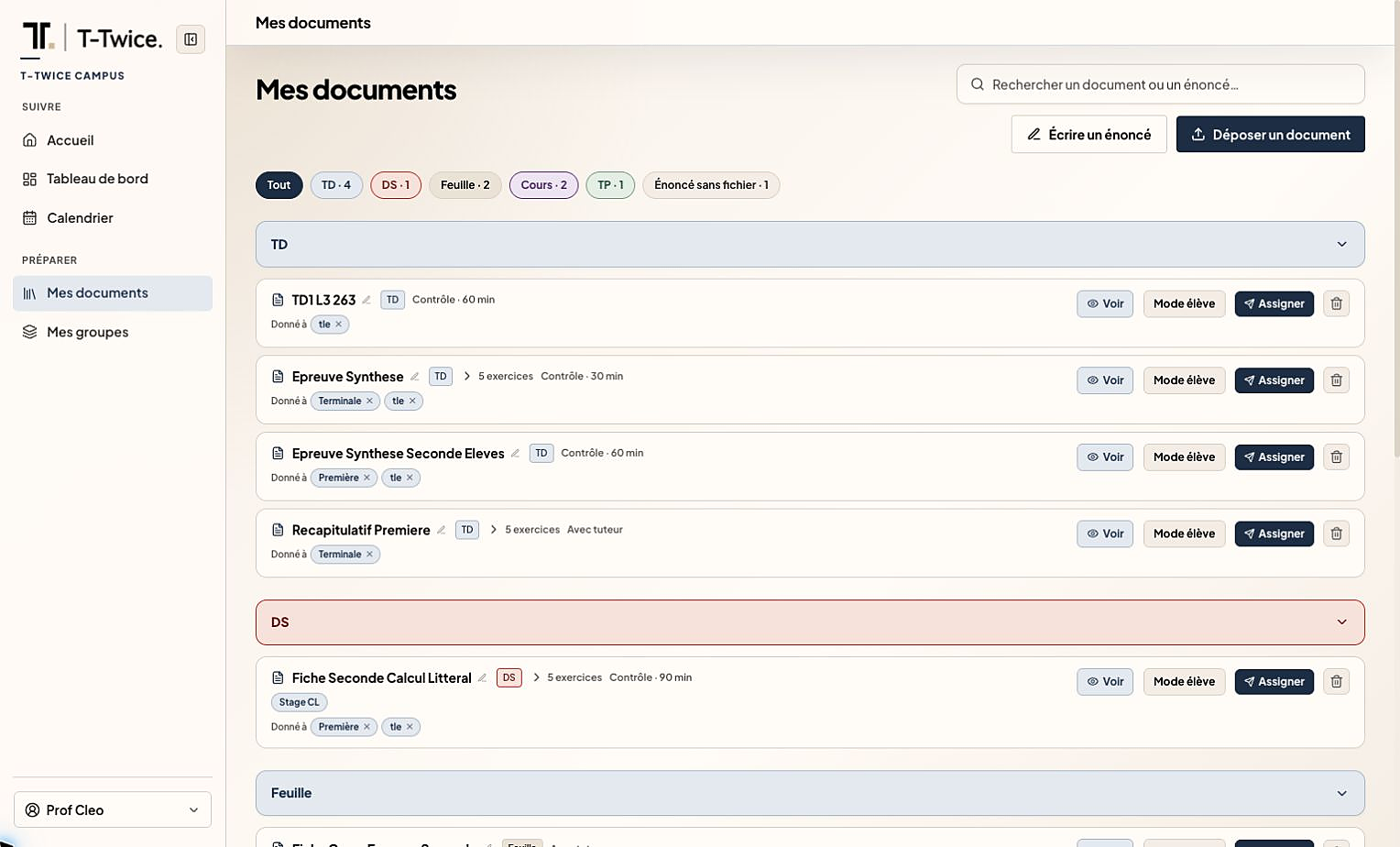
Campus: My documents, upload and organize assignments.
My documentsOrganise your materials and share them with your students.
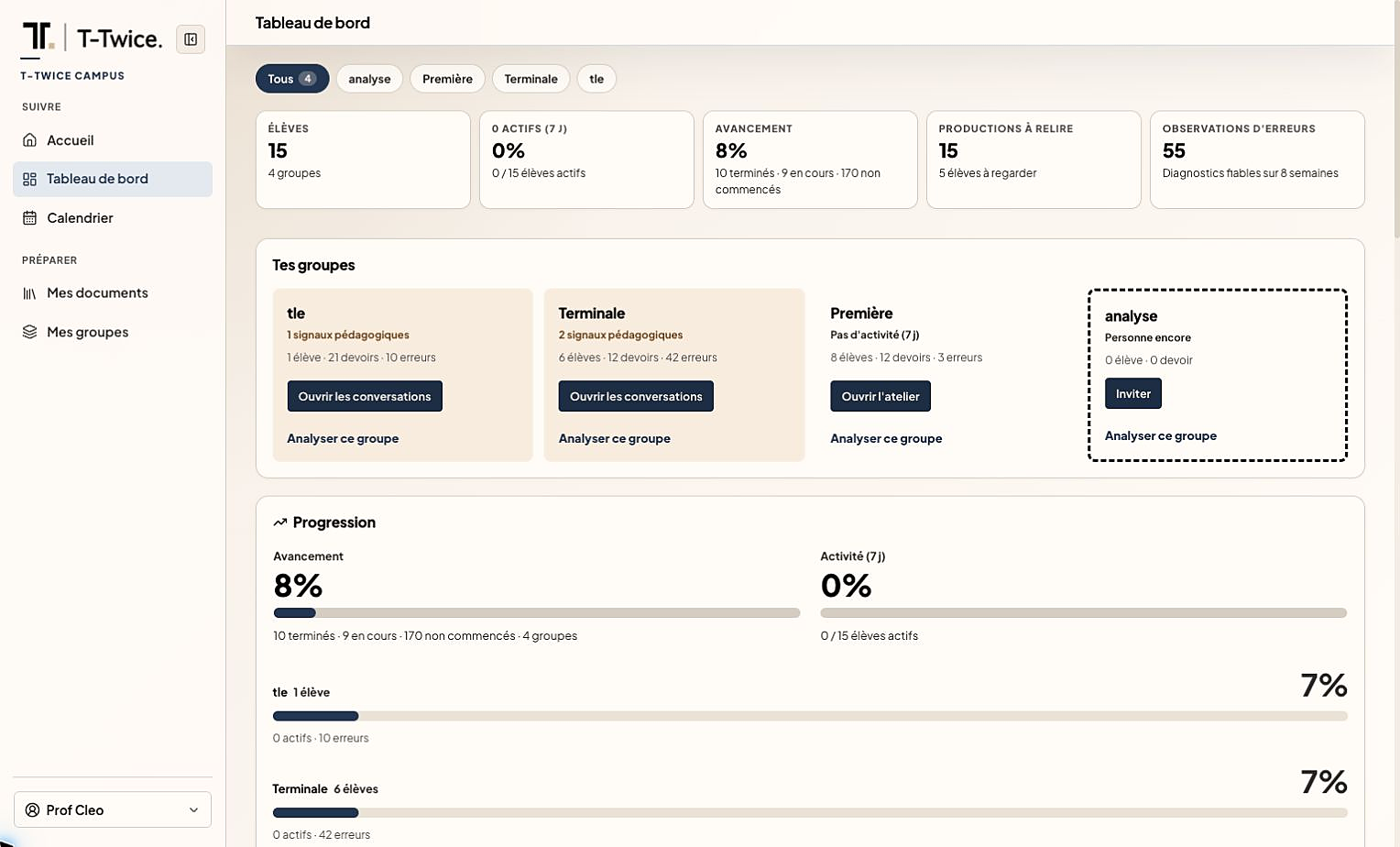
Campus: Aggregated dashboard, progress and observed errors.
Class overviewProgress, recurring errors and the needs of each group.

Concrete example

Mr Diallo · teacher

He composes a digital test that his 35 students take online, each in their own space.

OutcomeThe class overview shows that 40% of students get stuck on the same step. He plans a targeted review for the next lesson.

In this space

What you can do

  • Daily priorities
  • Materials to share with your class
  • Class overview
  • Homework and follow-up calendar

Each role, its own view.

  • Student

    Their progress and the concepts they can practise again.

  • Teacher

    A class overview and follow-up on students’ work, individually and by group.

  • Institution / admin

    Soon

    Deployment KPIs, by cohort.

  • Auditor

    Soon

    Traceable diagnoses and access controls.

Run your class with Campus